
Start from your situation.
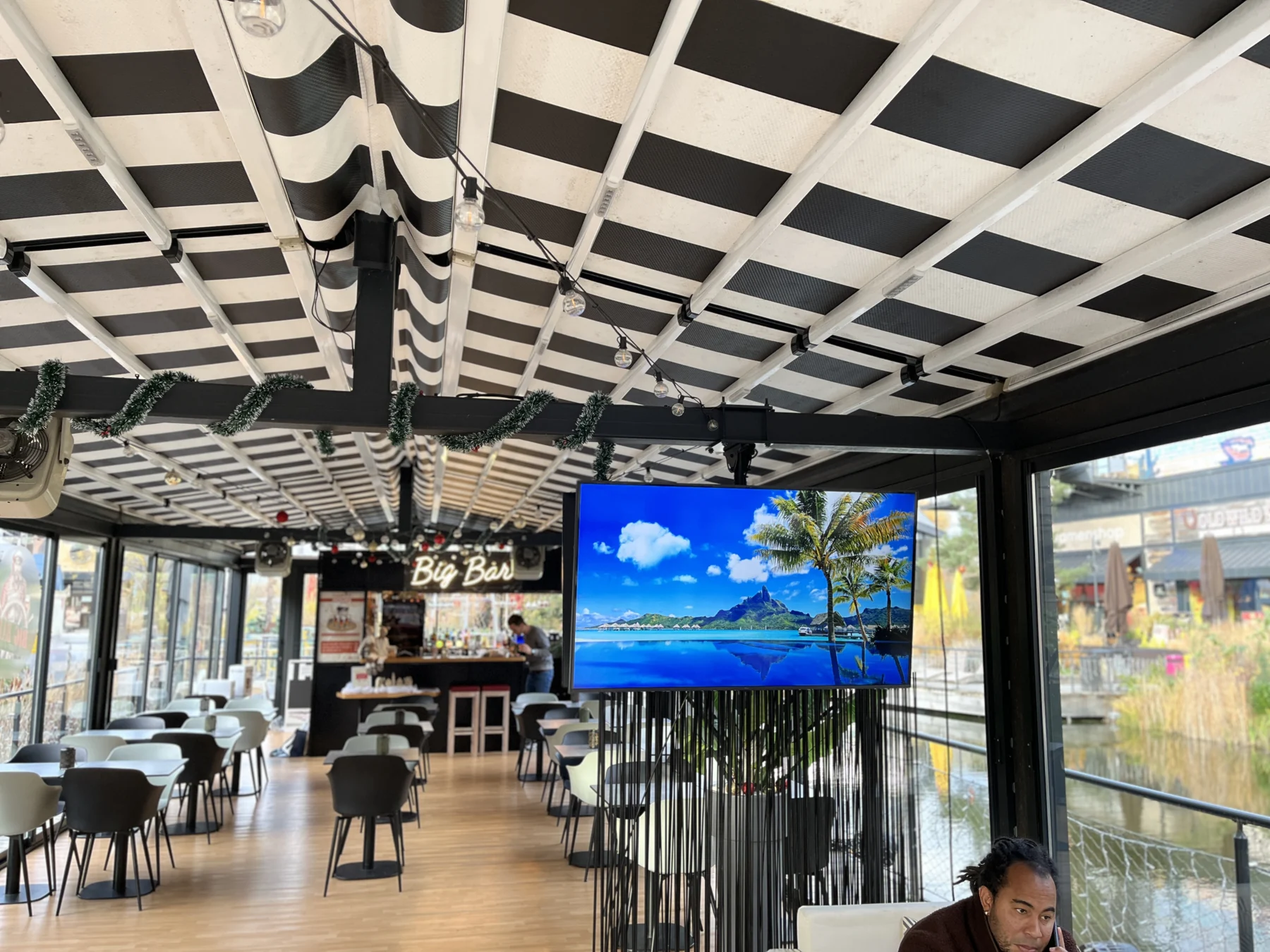
A useful display begins with a clear objective: to whom the message is addressed, where will it be read and who will keep it up to date? These questions guide the location of the screen and its operation. A lobby, restaurant or meeting room do not have the same reading and passing constraints. You must also look at the supports, power supplies and links available. The choice of equipment comes after this description of uses and spaces.
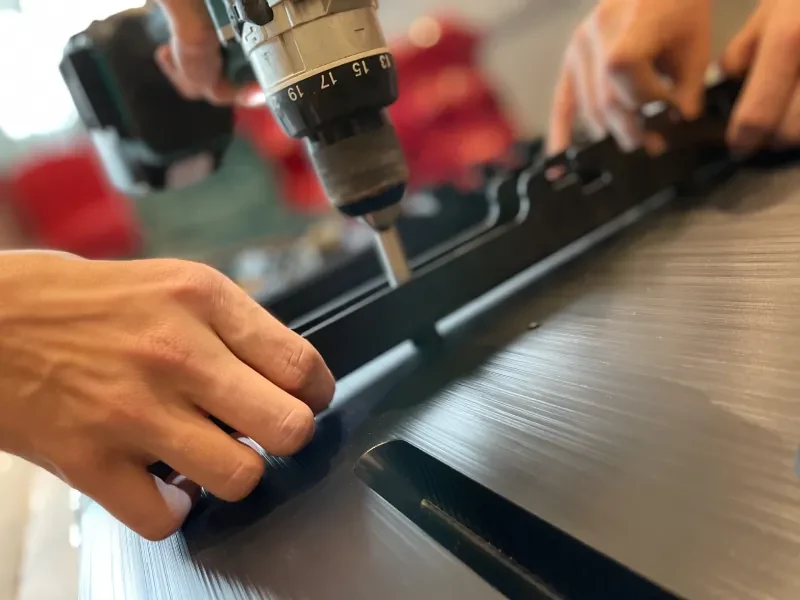
Alltech works on the installation of screens and their integration into the building. Preparation takes into account fixing, necessary arrivals and access to equipment for maintenance. The distribution method and update functions must be specified with the chosen solution. If the display must automatically take data from a professional tool, this connection constitutes additional work to be studied. It cannot be assumed from the installed screen alone.
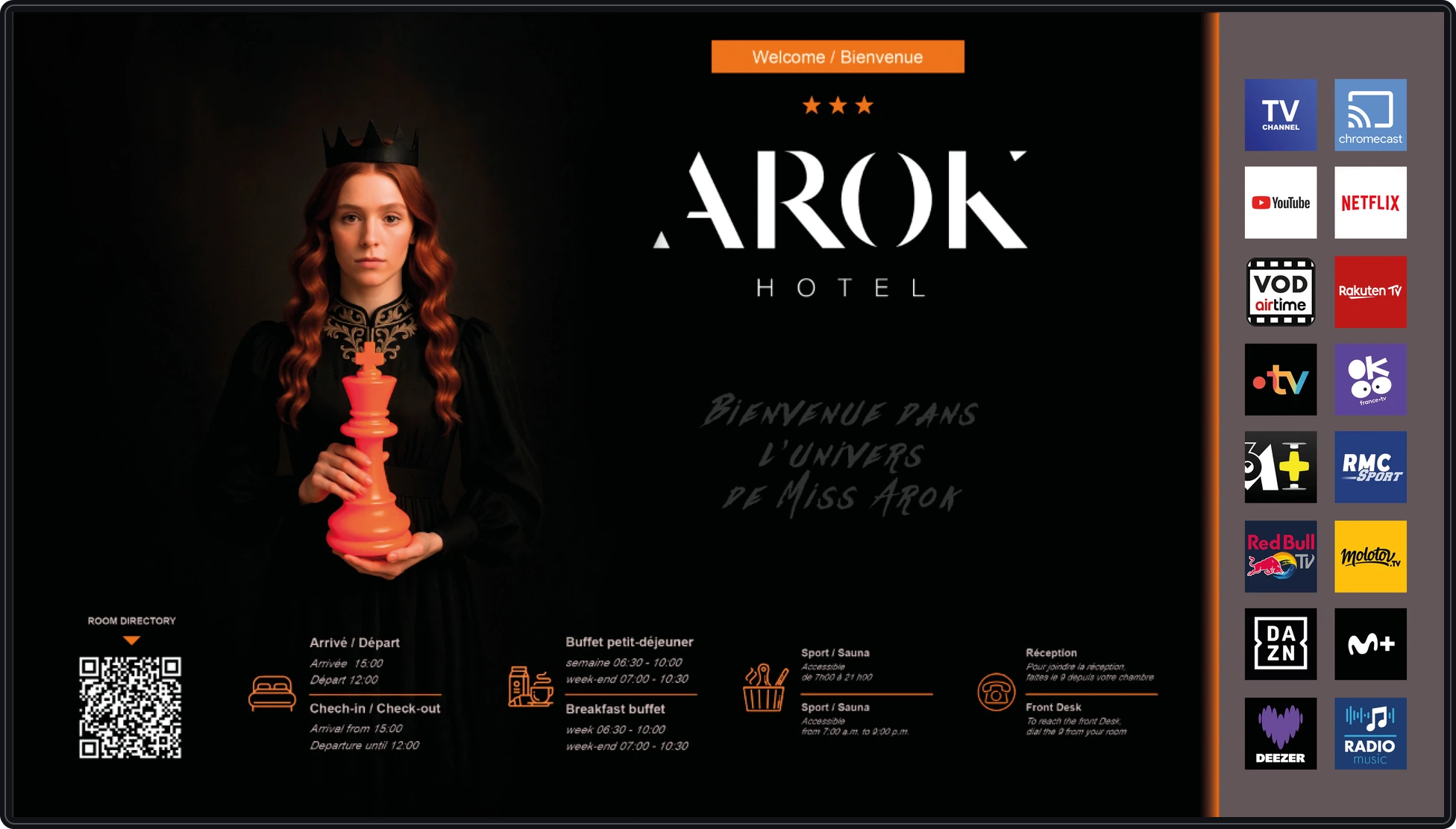
The Rhineland: dynamic display at reception.
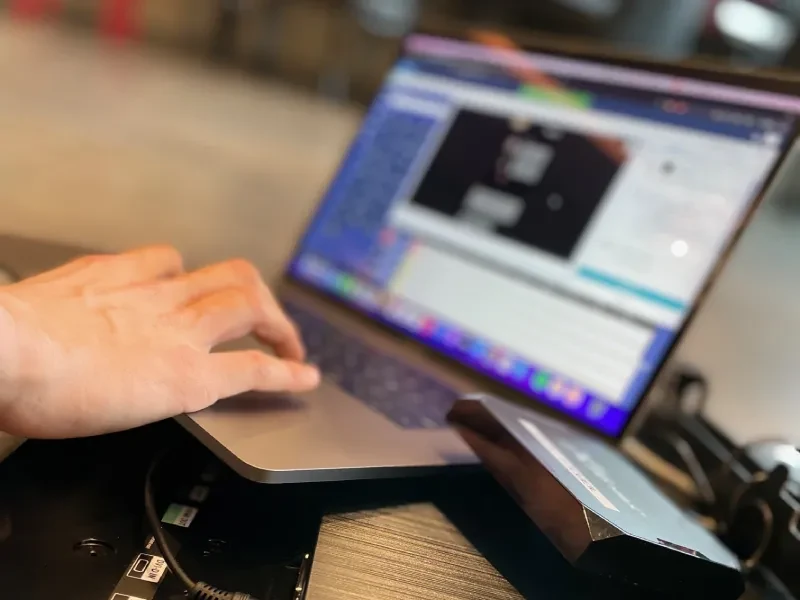
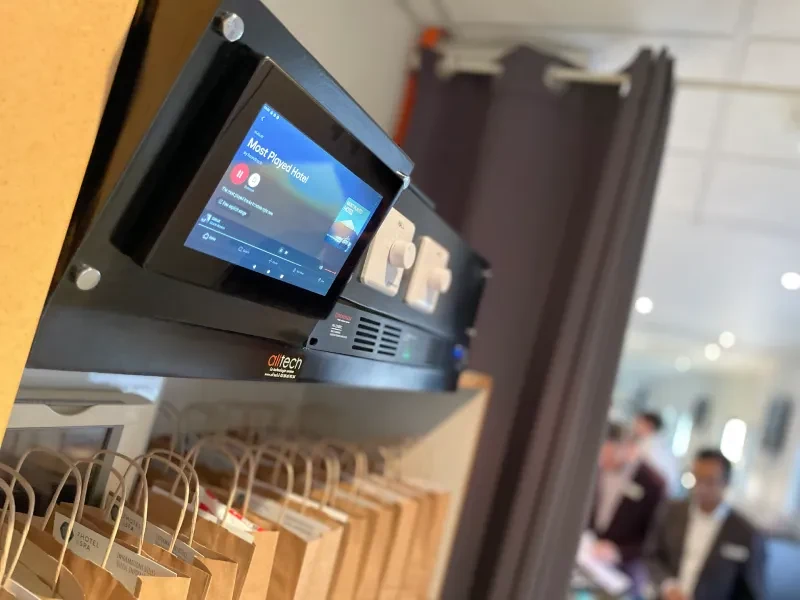
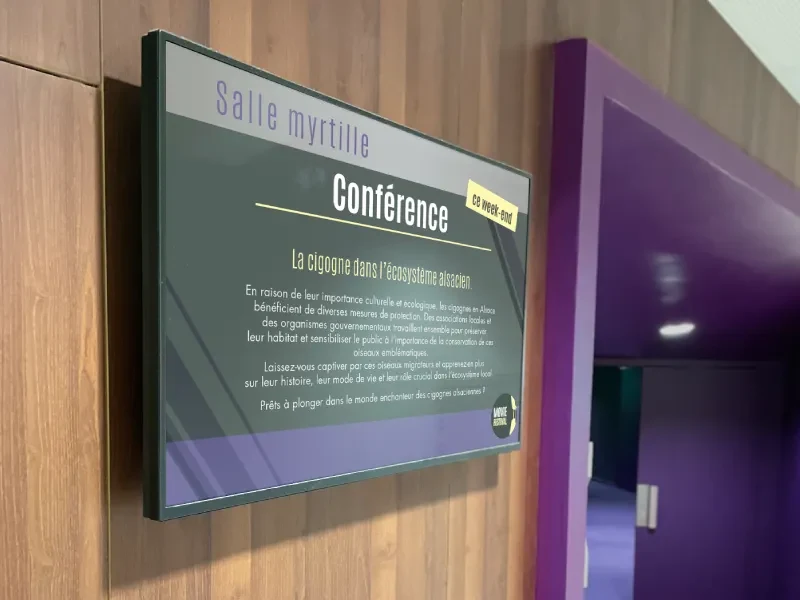
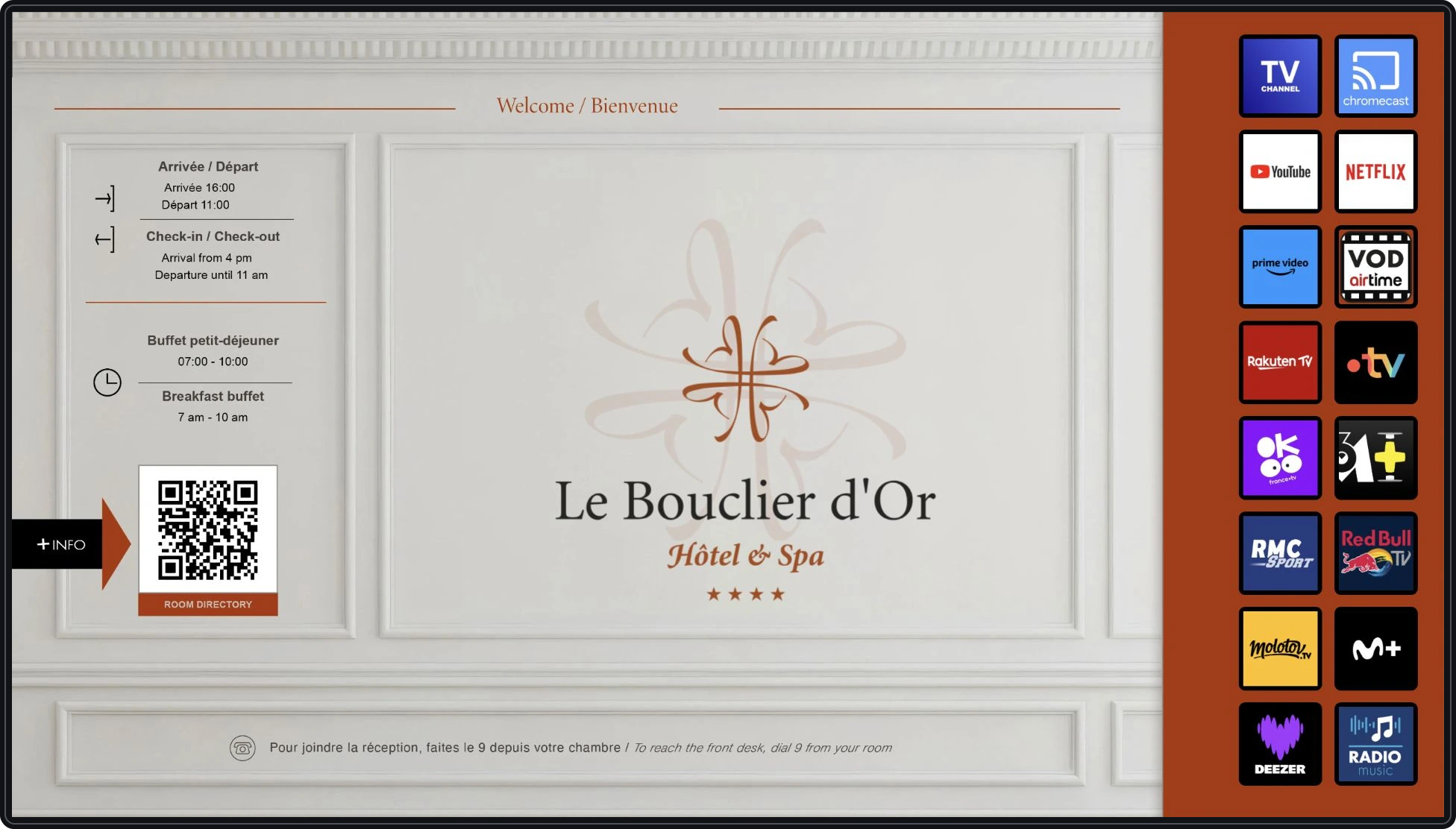
Present the hotel's services and practical information through the screens: Here is a selection of the visuals designed for Le Rhénan.
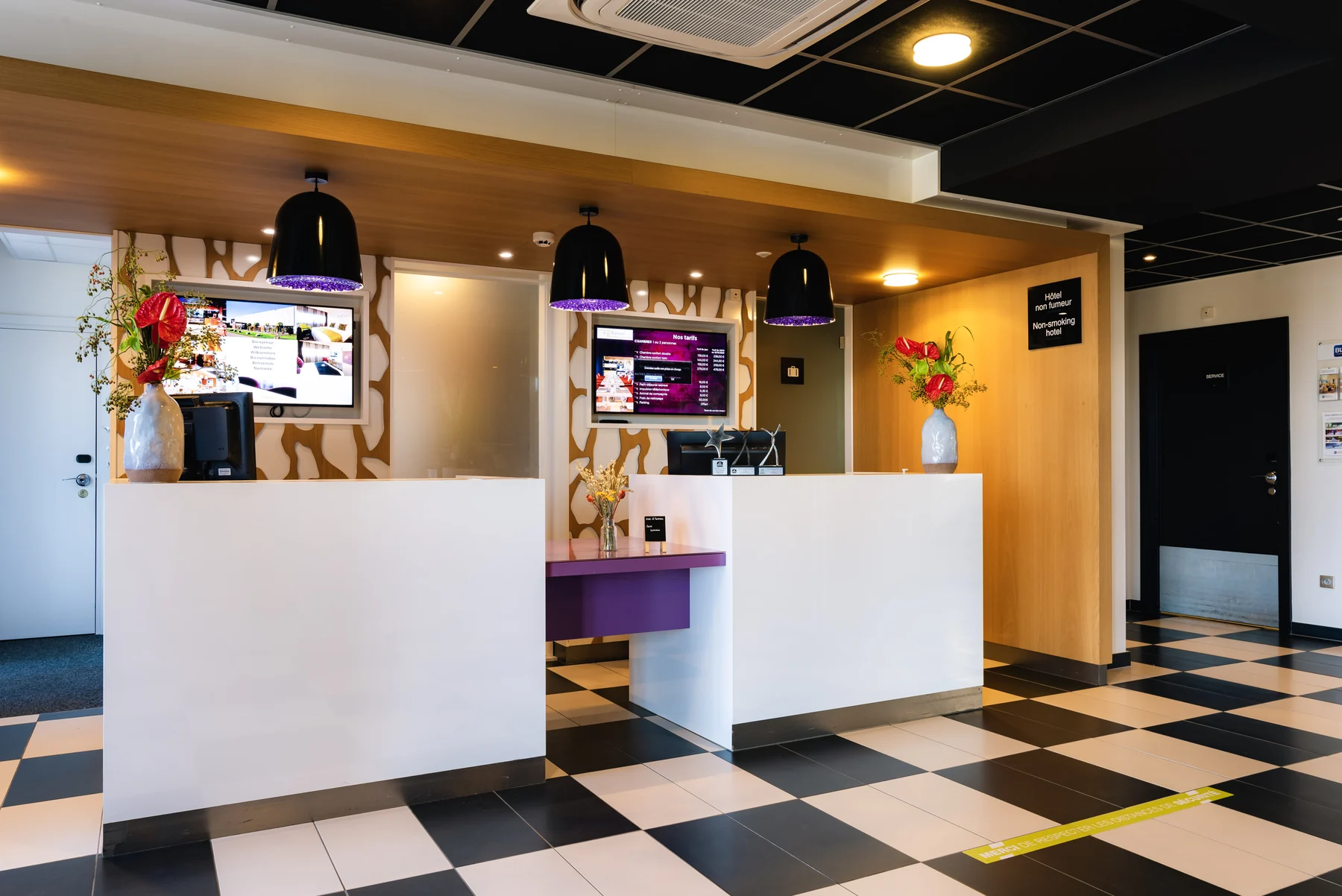
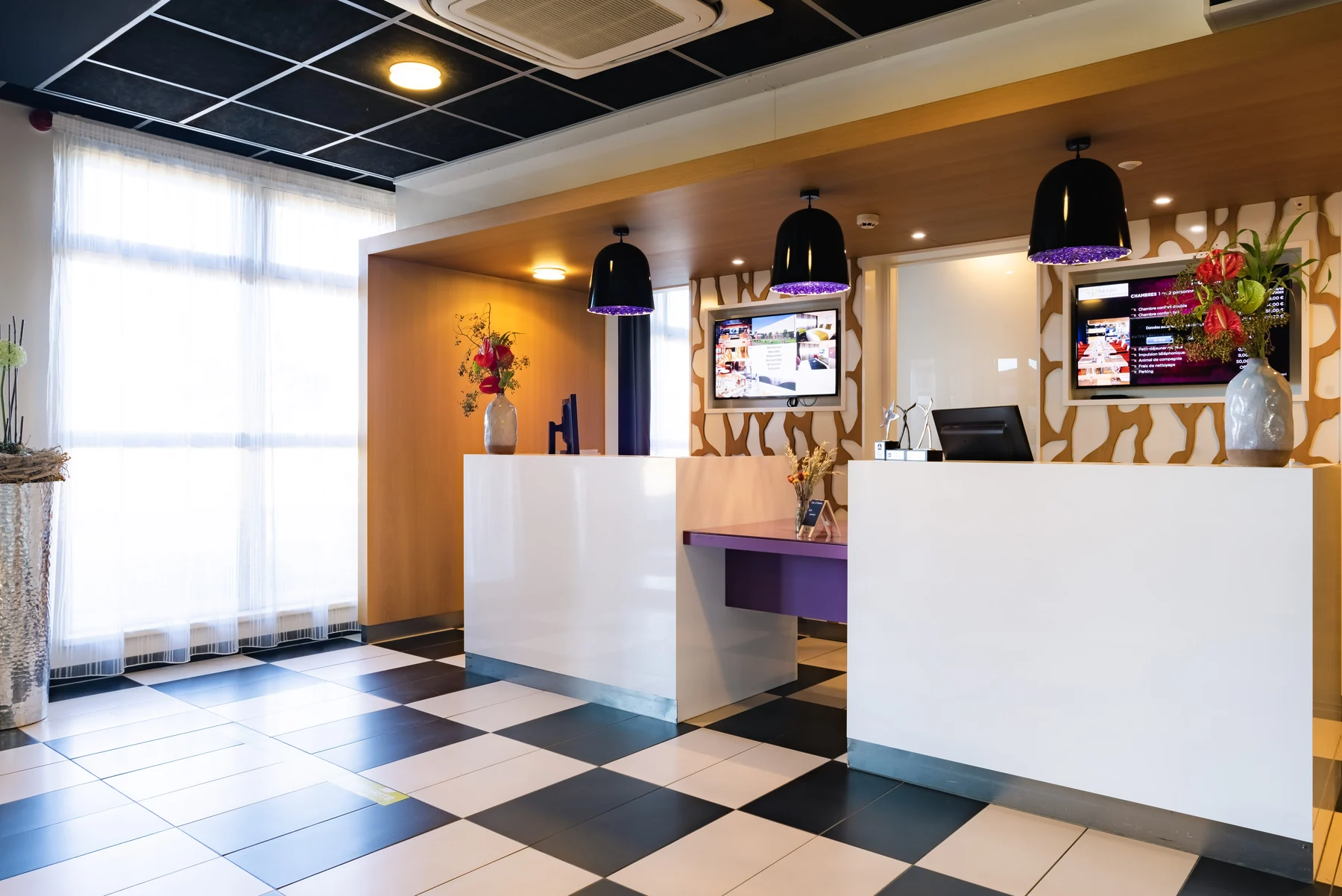
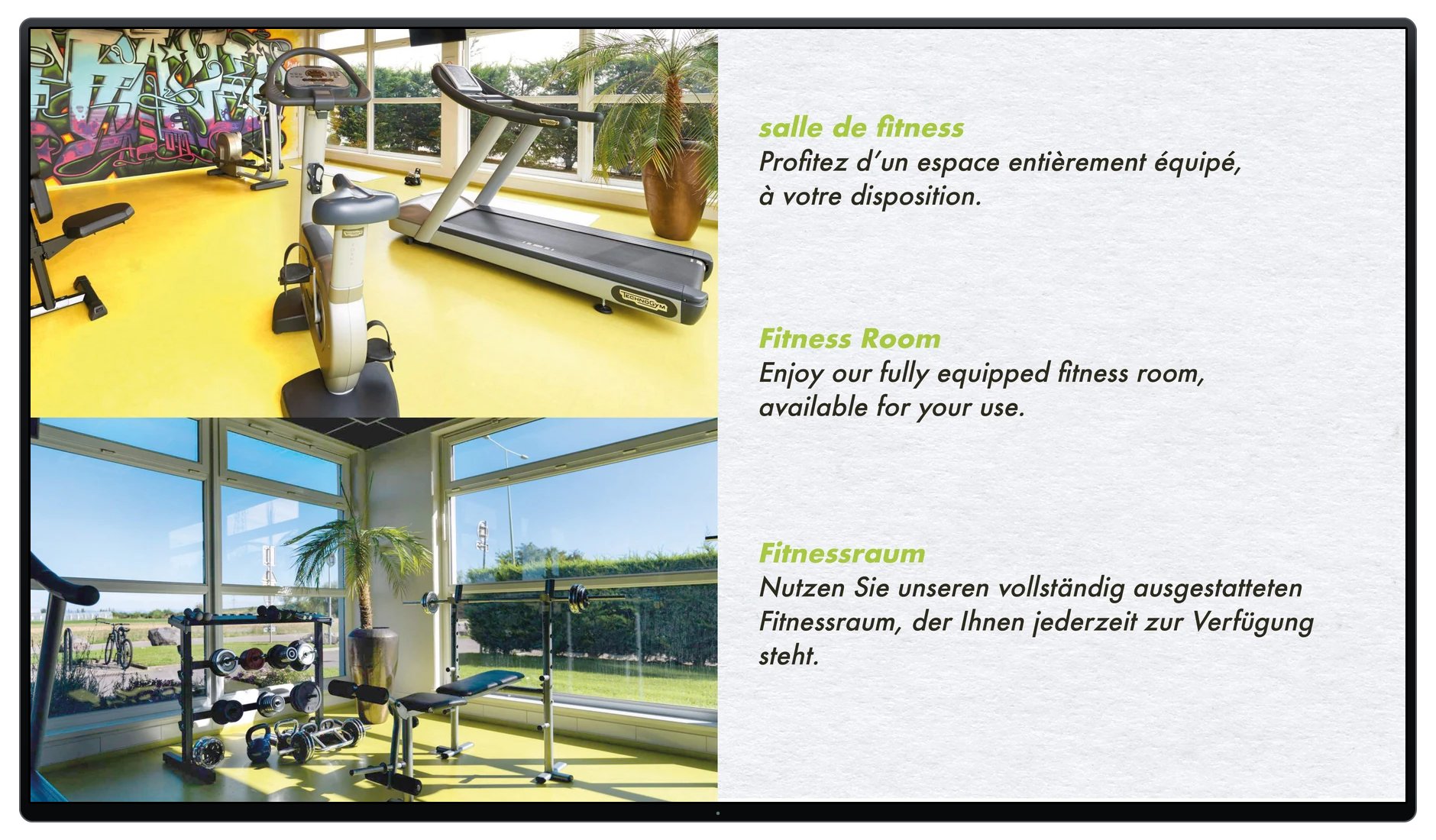
Image equipment and interventions.
The points that count.
Set message
Identify the audience, useful information and update frequency. Content adapted to the location helps to clarify the desired operation.
Prepare the location
Examine the visibility, support and arrivals required. The installation must allow circulation and future interventions.
Organize the update
Designate the people responsible for the content and specify the means at their disposal. The installation and publication of messages must have understandable perimeters.
Intersecting services.
Information must follow changes
In a hotel, the Wi-Fi connection information on televisions and the QR code at reception are updated. The customer then confirms that these elements are correct.
Read the experience →Before getting started.
Can we use a screen that is already present?
It depends on its characteristics, its condition and the desired distribution method. An audit makes it possible to determine whether it meets the need or whether another solution should be considered.
Can the screen display data from our software?
The capabilities of the display solution and source software must be examined. Specific integration may be necessary; it is defined separately from the hardware installation.
Connecting the right skills.
Dtouch · a complementary skill
Dtouch can examine a connection to your business tools when content needs to be populated with available data and interfaces.
Study the data displayed with Dtouch →