
Start from your situation.
In a hotel, replacing a screen or resetting settings requires understanding what powers it. The programs received, the station head, the connections and the room equipment form a whole. A renovation may also require keeping part of the establishment in operation during the work. The project must therefore specify the spaces concerned, the expected uses and the distribution of tasks with other stakeholders. The choices are being prepared at the scale of this chain.
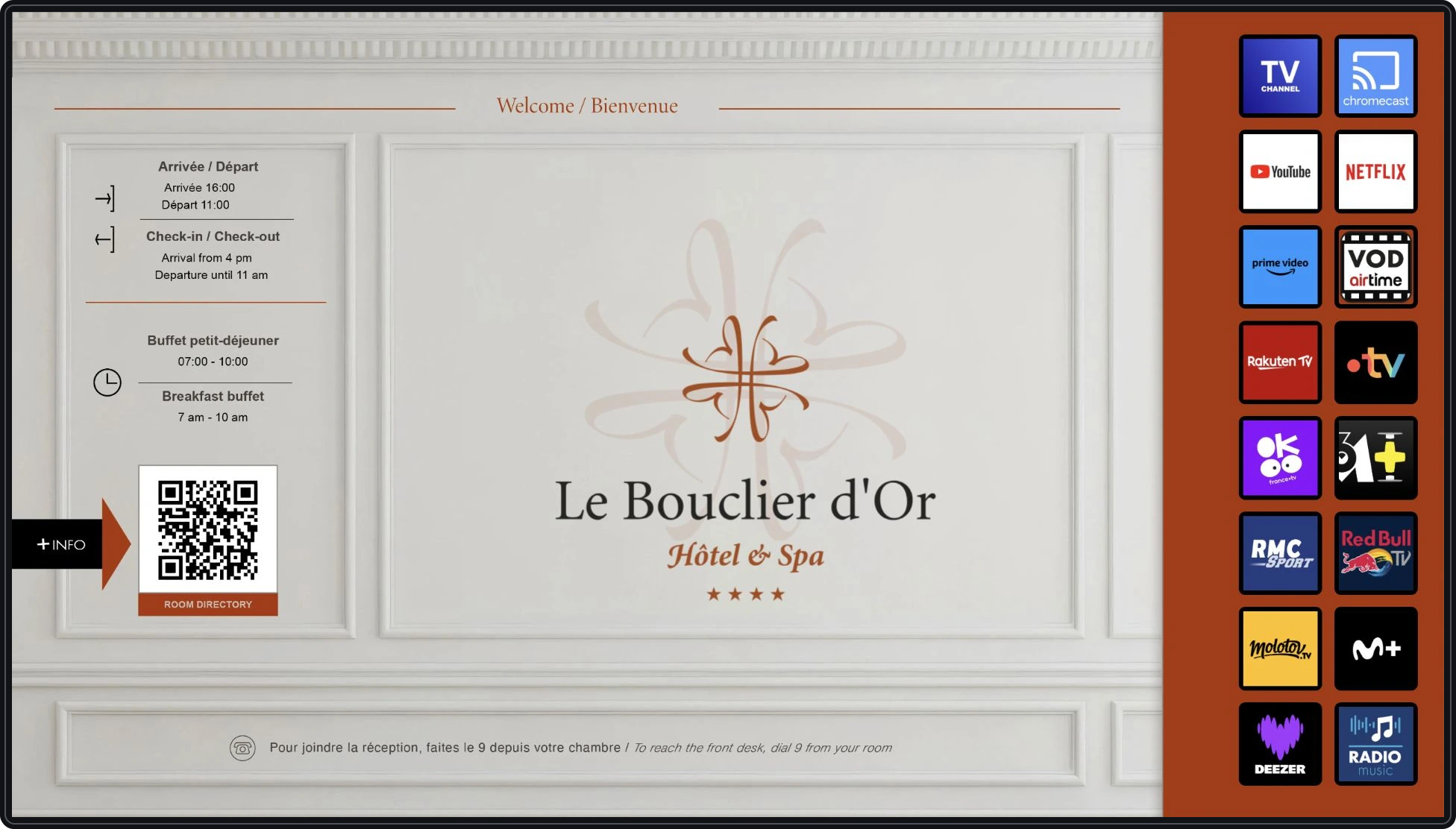
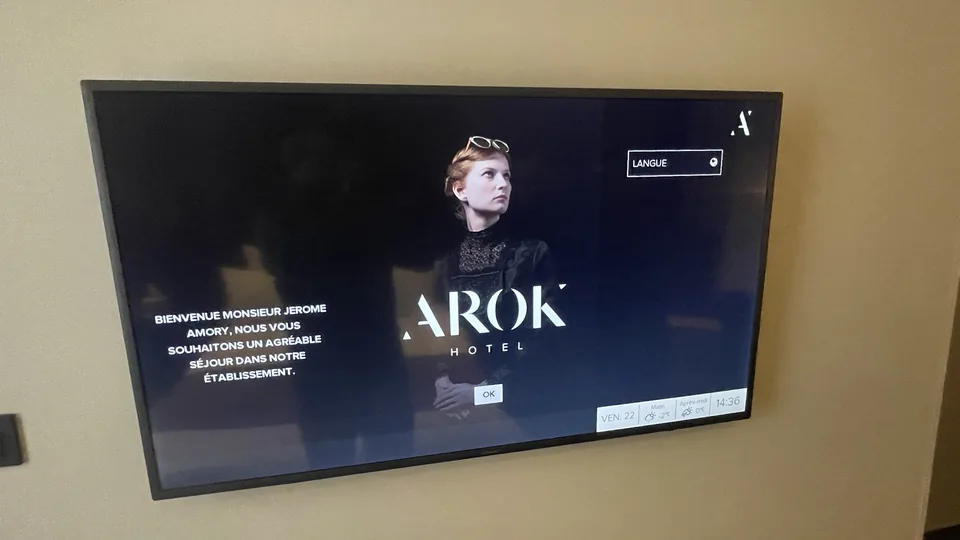
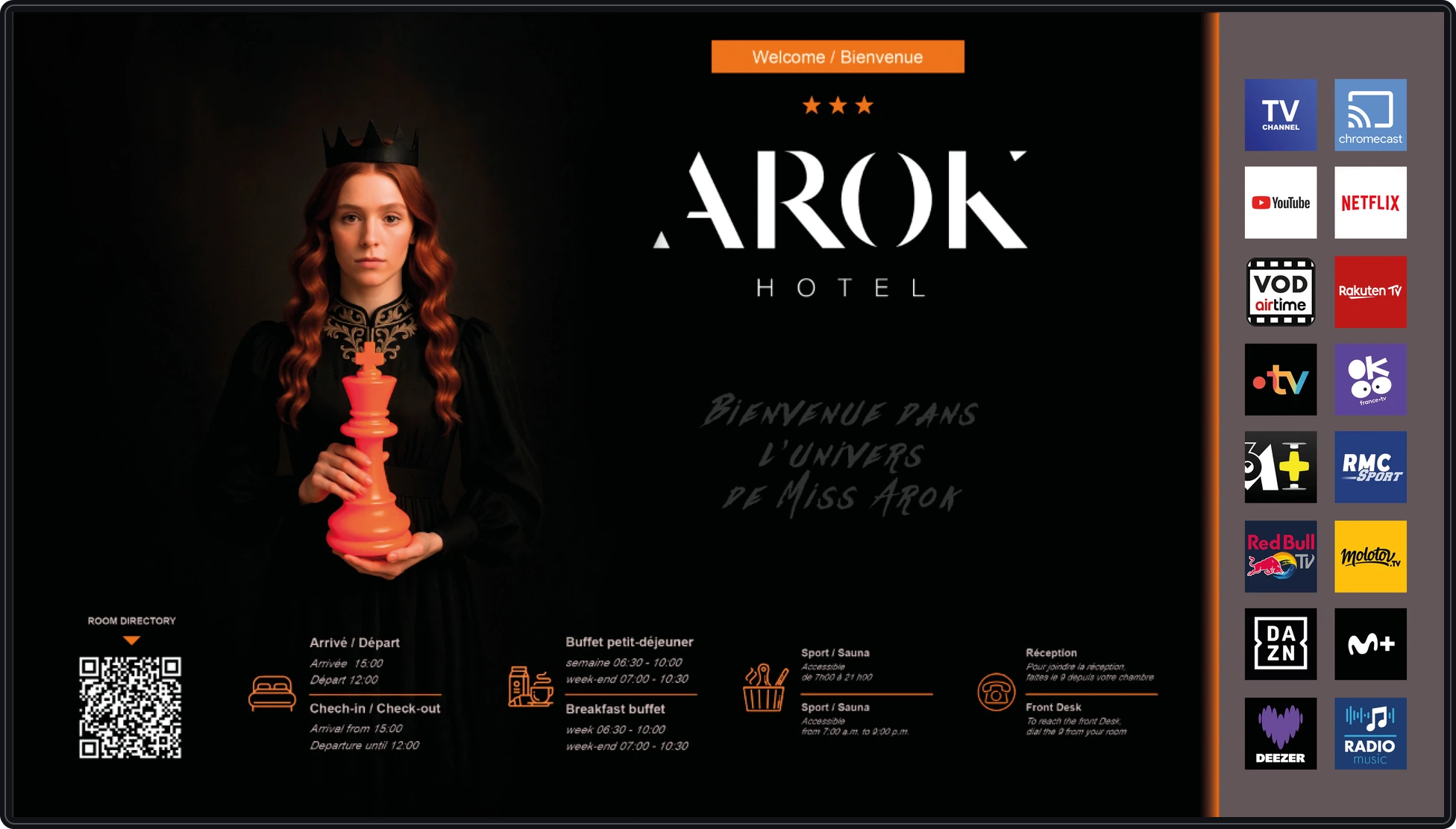
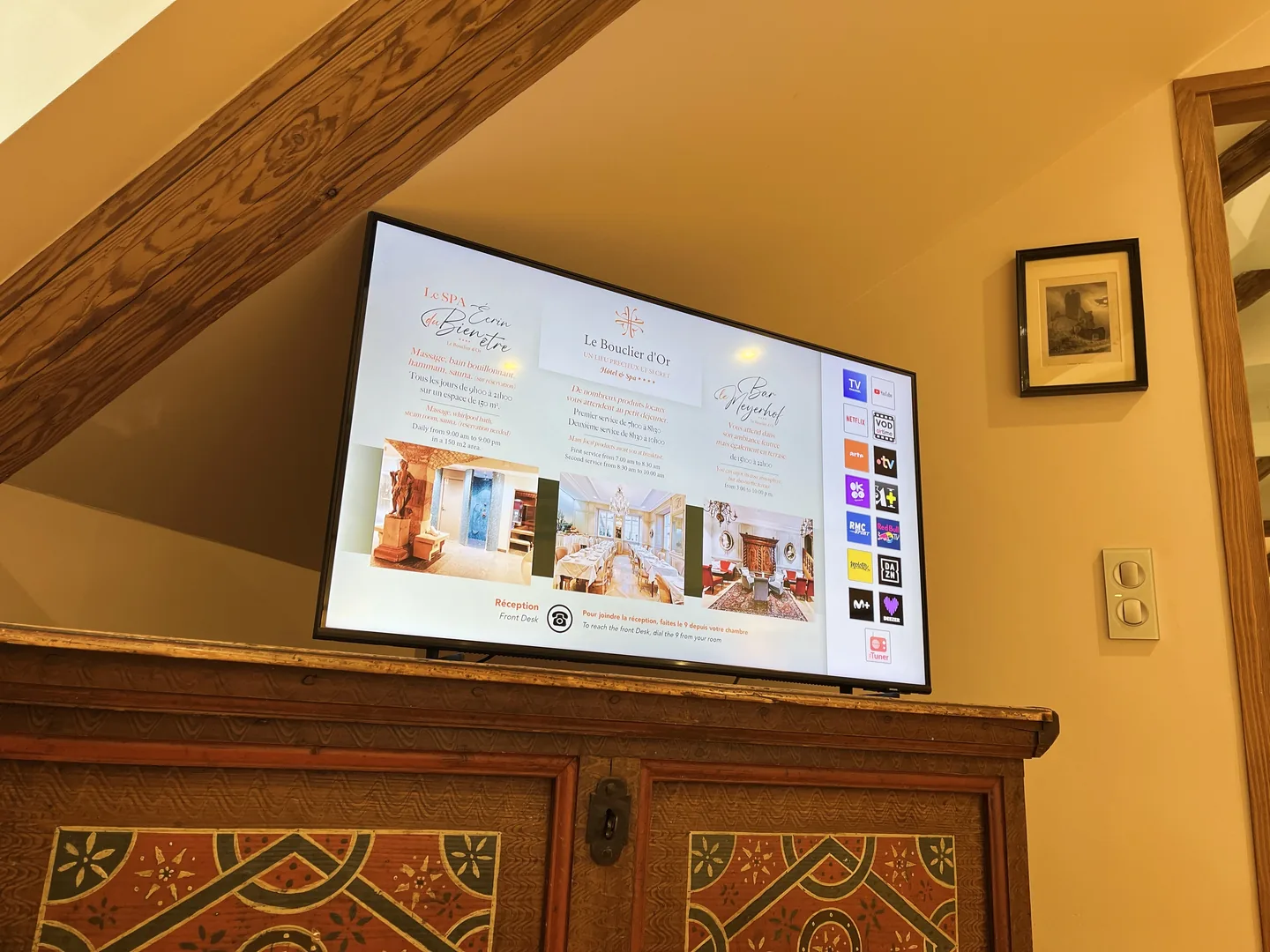
Alltech supports collective TV installations and display equipment for establishments. Depending on the need, the work may involve distribution, installation of screens, their configuration or modification of information. In particular, a welcome screen in the room must remain consistent with reception information when services change. The functions available depend on the hardware and solutions chosen; their compatibility is checked before including them in the scope of the project.
Image equipment and interventions.
The points that count.
Examine the distribution
Identify existing equipment and points to be served. The possibilities of reusing the connections are checked before planning the work.
Adapt screens to locations
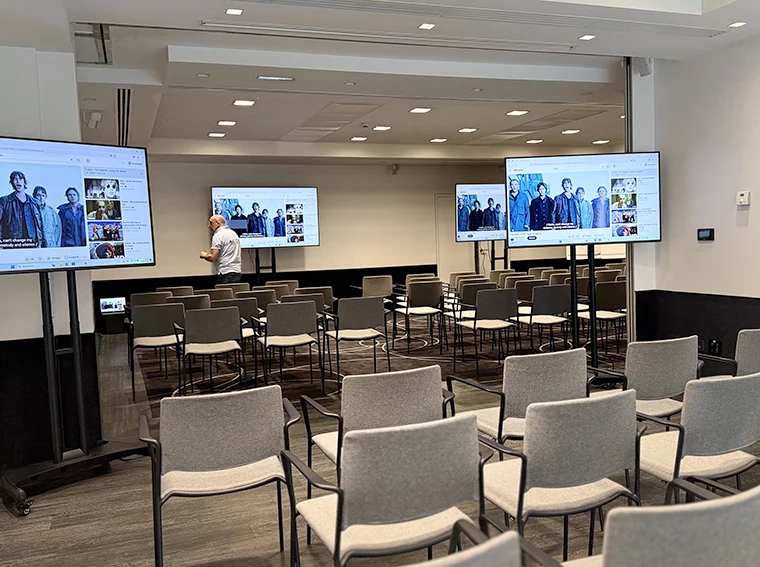
Take into account locations, supports and uses. A room, a welcome and a meeting room do not meet the same need.
Forecasting the evolutions
Keep track of references and useful settings. The information displayed and the expected functions must be able to be adopted when the establishment changes.
Intersecting services.
Start with a sample room
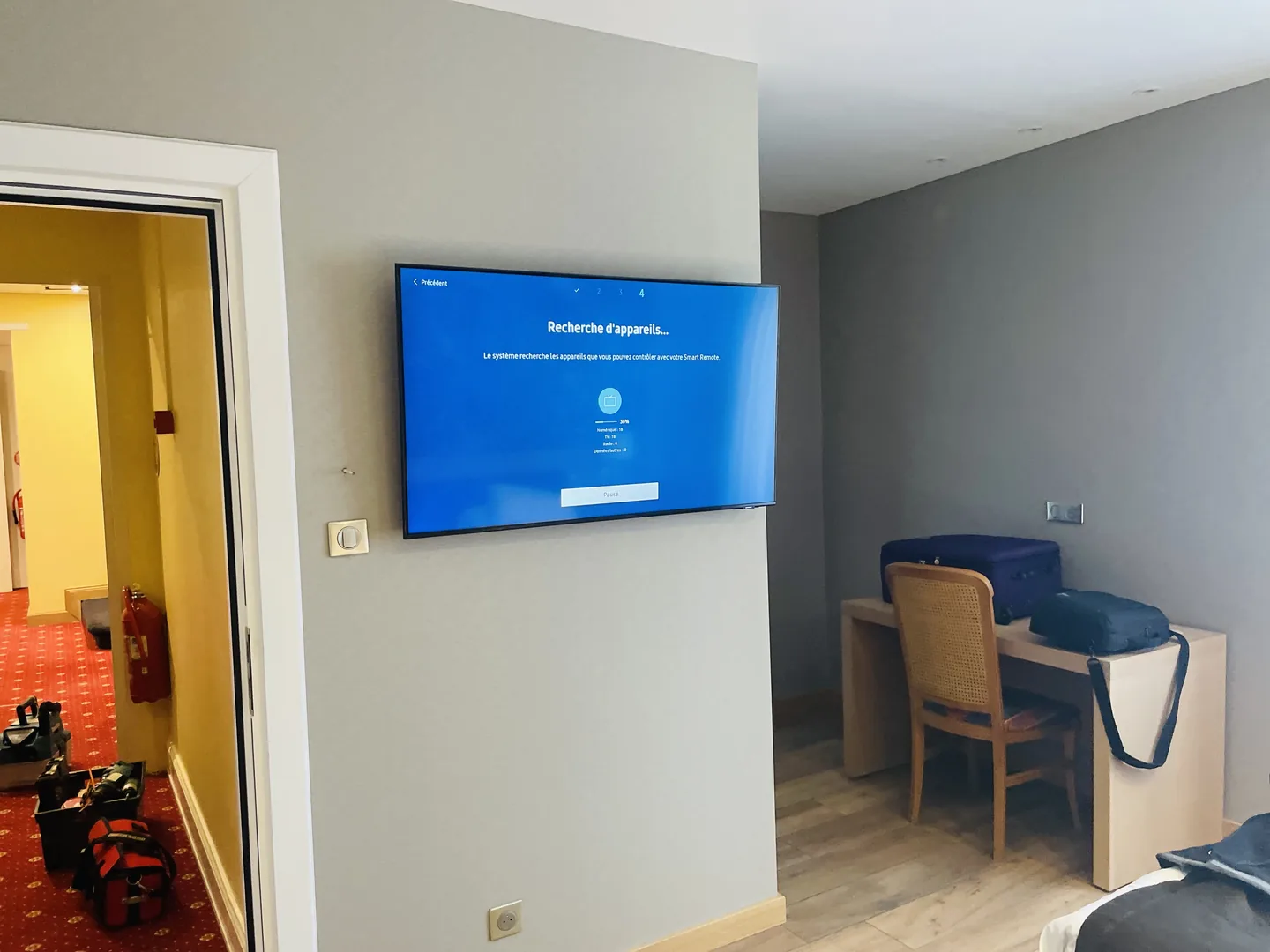
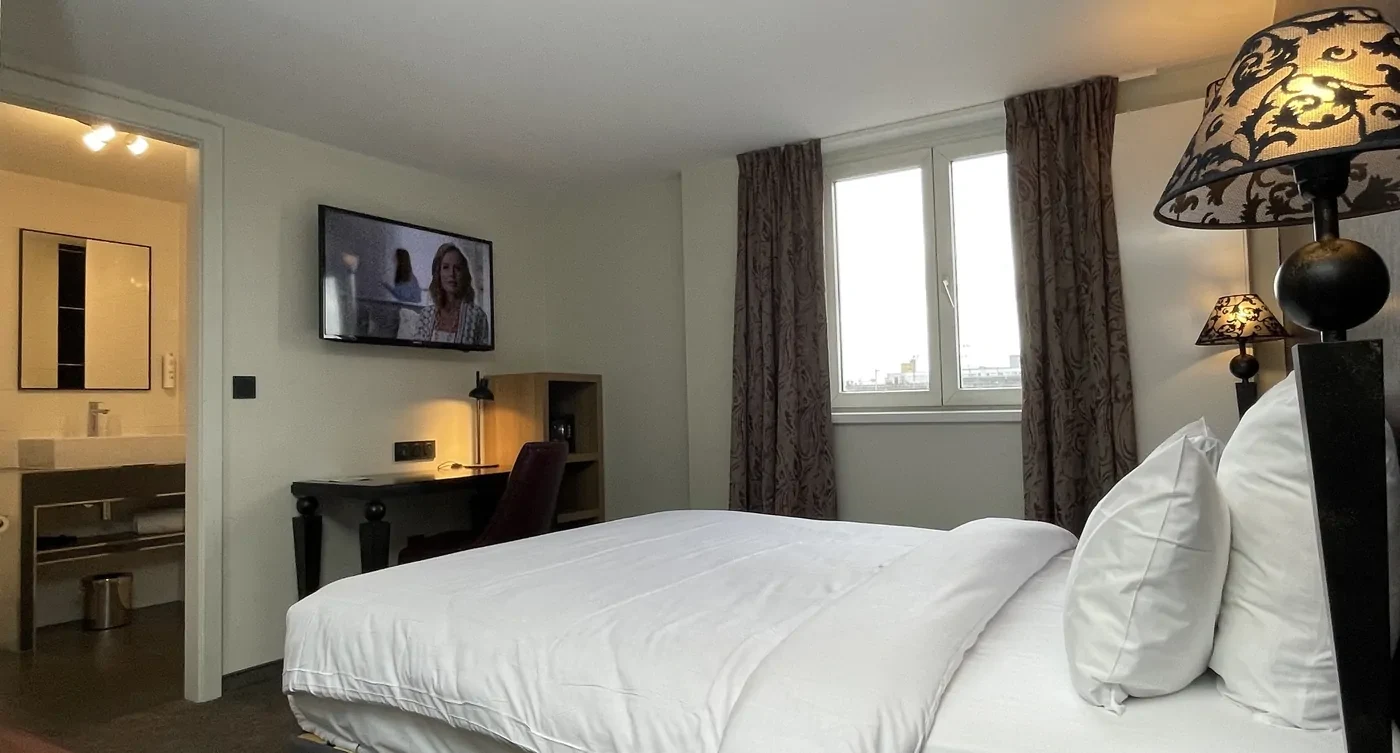
The positioning above the desk, the support and the available space lead to adapting the size of the televisions before following a renovation.
Read the experience →Choose a consistent distribution and in-room experience
The project starts from what the customer must be able to do: watch the desired programs, understand the commands and find useful information from the establishment. The list of expected functions must be compared to the screens, program reception and available connections. Changing the television does not automatically give access to all the connected functions envisaged.
| Project component | Issues to be addressed prior to selection |
|---|---|
| Distribution of programs | What programs are distributed? What station head is there? What connections and catches can be kept? |
| TV and IP network functions | Which screens and services are compatible? What network dependencies should be examined with the administrator? |
| Welcome information | Who prepares texts, schedules and Wi-Fi instructions? Who will validate them and how will they be updated? |
What a witness room should enable to decide
A witness chamber gathers several checks before deployment: the position of vision from the bed or office, the actual size of the screen in its location, the capacity of the support and wall, access to the sockets, the space needed to hang the device and the use of controls. Fixing constraints can count as much as the diagonal of the TV. A solution chosen on a plane must therefore be confronted with the fitted room.
In a renovation followed by Alltech, this step leads to adapting the supports according to the position of the screen. A smaller size is also chosen where the false ceiling does not leave the necessary margin for hanging. The choices are validated for the defined rooms; spaces whose development has not been finalized remain on hold. See how the witness chamber clarified the project.
Planned deployment and daily maintenance
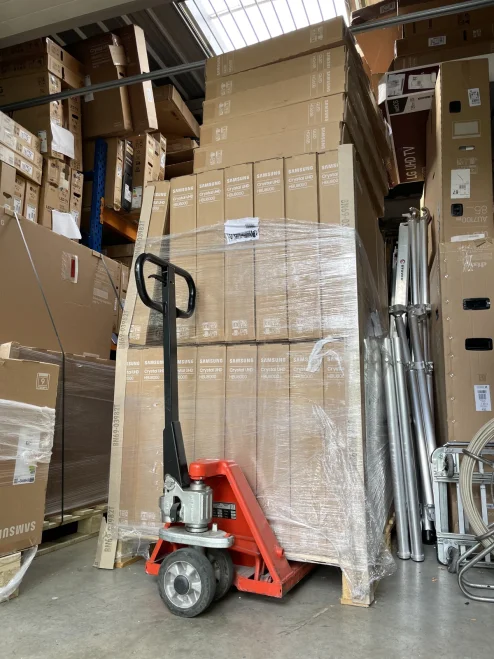
The phasing must specify the rooms available, the equipment to be prepared, the checks to be carried out and the return to reception. After installation, the establishment must be able to identify an affected room, describe the symptom and find useful references. Replacement screens, welcome information and settings adopted over time are part of this organization. The operational confirmation concerns the rooms and functions actually verified.
If the needs include an interface with a business tool, the expected exchanges and the agreement of the publisher concerned should be specified before confirming the development. Dtouch can study software integration, whileAgedis prepares systems and servers necessary. The interface compatibility is verified with the editor.
Prepare the screen in its environment.
Before getting started.
Do all screens allow the same functions?
No. Displaying a welcome, managing programs or certain connected functions depend on the equipment and solutions chosen. Expectations should be made clear before selection.
Can you take over an existing facility?
A screening process identifies opportunities and limitations. The equipment present, the links available and the functions sought guide the intervention area.
Connecting the right skills.
Agedis · a complementary skill
When television relies on IP connections, its integration requires an exchange with the people responsible for IT administration.
Coordinate TV and network with Agedis →Collective TV in building: connecting housing to common facilities.
The report of an occupant must be linked to the distribution of the building. Does the fault affect a socket, several housings or the entire entrance? Did it appear after a cut or modification? The diagnosis follows the reception chain and its dependencies, in particular the power supply of common equipment. An available user allows you to resume the programs and socket concerned during the tests.
The dossier Saint Clair Immobilier de 2026 combines TV reception and electrical works of the common parts, coordinated during the same passage. This experience illustrates the preparation with the trustee, the identification of the affected functions and the monitoring of the transactions performed.
Organize the diagnosis of a co-ownership · Prepare accesses and tests in occupied buildings