Alltech
Hospitality and residences

Hotels and residences: connect the equipment to your reception.

A room, a reception area and a meeting place require equipment adapted to their needs. The preparation links television, Wi-Fi, telephony, audiovisual and access, as well as supervision, lighting and air conditioning regulation.

Hotels · Supervision, air conditioning and lighting

The comfort of the rooms.
A clear view at the reception.

A local monitoring and automation server centralizes occupancy information, air conditioning and lighting controls and their status returns. At reception, your team follows the rooms from the same interface and keeps hands with the settings.

01 / Anticipate

Weather and uses.

Adapt instructions to forecasts, occupancy and announced arrivals. Avoid heating then cooling unnecessarily.

02 / Pilot

Air conditioning and lights.

Prepare the atmosphere and comfort, adjust the automatisms and take hold at the reception, for a room or a set of spaces.

03 / Supervise

Centralized supervision.

See temperatures, instructions, lighting and condition of the equipment. Identify missing information and items to be checked.

Postponement to receipt of the card in the room. 7-second demonstration animation: interface Alltech The local server and card presence report box to the right, with its logo and room numbers. Actual photograph of the housing and interface Alltech demonstration; temperatures and scenarios are fictitious.
Enlarge interface Open animation
  1. 01 / Raise

    Starting from the installation.

    Identify available air conditioning, lighting circuits, occupancy switches and sensors.

  2. 02 / Define

    Validate the rules.

    Comfort and reduced instructions, weather, season, lighting and manual recovery: specify settings with reception.

  3. 03 / Connect

    Order and view status.

    Connect the equipment to the monitoring server and gather the commands and states raised in the receiving view.

  4. 04 / Check

    Test before generalizing.

    Check occupancy, free room, weather, manual controls and window if a contact is present. The link with arrivals is provided in addition.

Reception view · Local server

Air conditioning & lighting

Demonstration

Weather forecast · Summer example

31 °C

Peak expected at 4 p.m.

8 h 21°12 h 27°16 h 31°20 h 26°
Demonstration chamberBusy
Lecture de la chambre : climatisation, lumière et présenceSchéma illustratif d’une chambre avec un lit, un bureau, une fenêtre, une climatisation et un éclairage. Les informations sont reprises dans le panneau adjacent. 23,4°TEMPÉRATURE Présence PLAN ILLUSTRATIFFenêtre fermée
Presence detected · comfort requested

Instructions depending on the situation

Automatic
22 °C
RefreshmentComfort instructions

The room is occupied: the comfort instructions apply. The lighting status remains visible at reception.

LightingLit
Lit
Postponement of receipt

Occupancy: occupied · Air conditioning: setpoint 22 °C · Light: on

Demonstration view inspired by the needs of the Gold Shield. Fictive data, without connection to the hotel facilities. Temperatures illustrate a scenario; they are to be adapted to each establishment.

The spirit of the Golden Shield: connecting everything to better exploit.

The occupancy of the rooms, the lighting and the information sent to the server provide the context of the regulation. The weather forecasts and announced arrivals complete this reading to prepare for comfort at the right time, while letting reception take control.

The available interfaces, window sensors, lighting rules and the link with the hotel software are defined after surveying the installation. We prepare the integration with the stakeholders concerned and validate the settings with your team.

Your access codes, work plans and installation-specific documents are at your disposal.

Preparing for the supervision of my hotel →

From need to project

What we are preparing with you.

The content of the work, the deliverables and the maintenance terms are specified in your quote. The questionnaire prepares the exchange; it is not worth ordering.

Prepare the experience in the room

The size of the screens, the supports, the connections and the reception information are considered together. A sample room allows the location and usage to be examined before proceeding with the project. The constraints of the establishment guide the schedules and phasing of interventions.

Circulate the right information

A network change may involve TV reception screens, room directory and reception indications. The monitoring shall take account of these links, beyond the setting of isolated equipment.

Coordinate the field and IT

The building accommodates the connections and terminals. IT services can depend on servers and applications. Alltech coordinates its perimeter with Agedis for systems and access; Dtouch can complete a business integration need.

Explore skills.
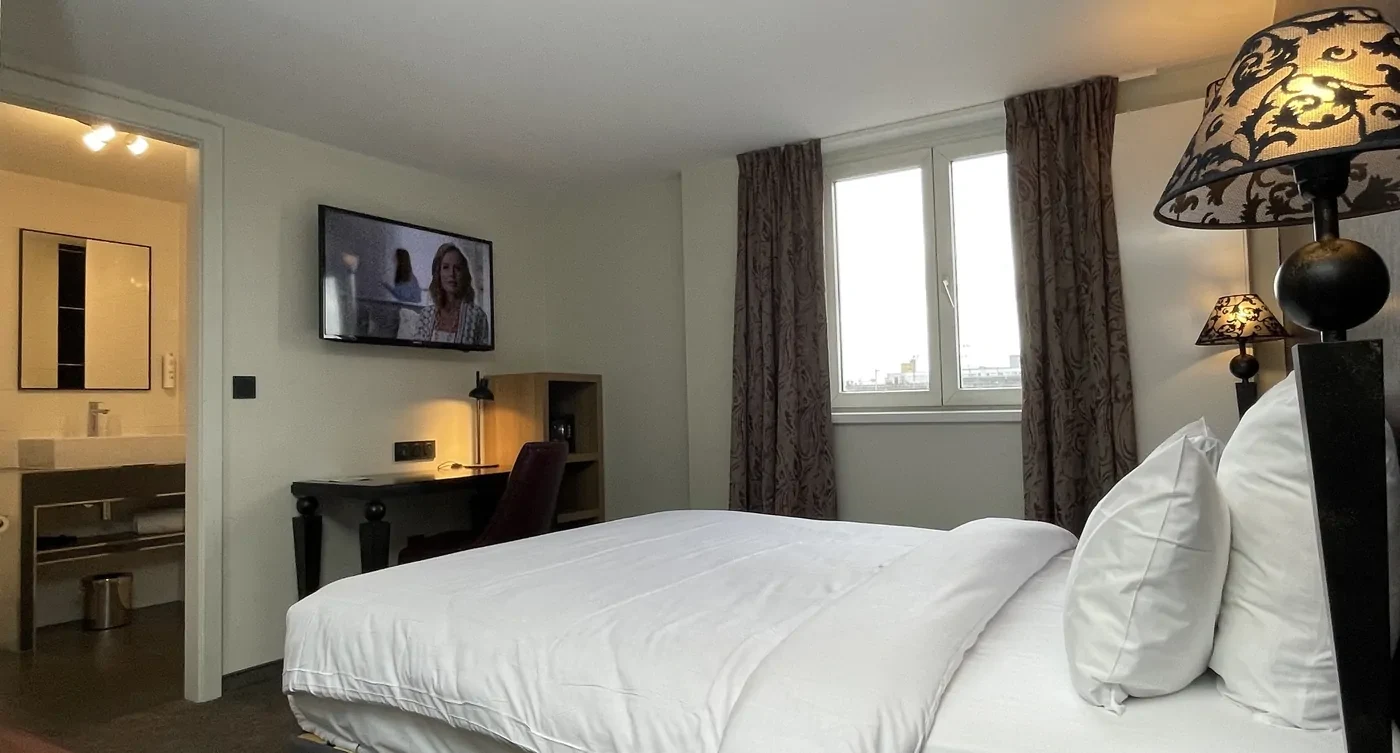
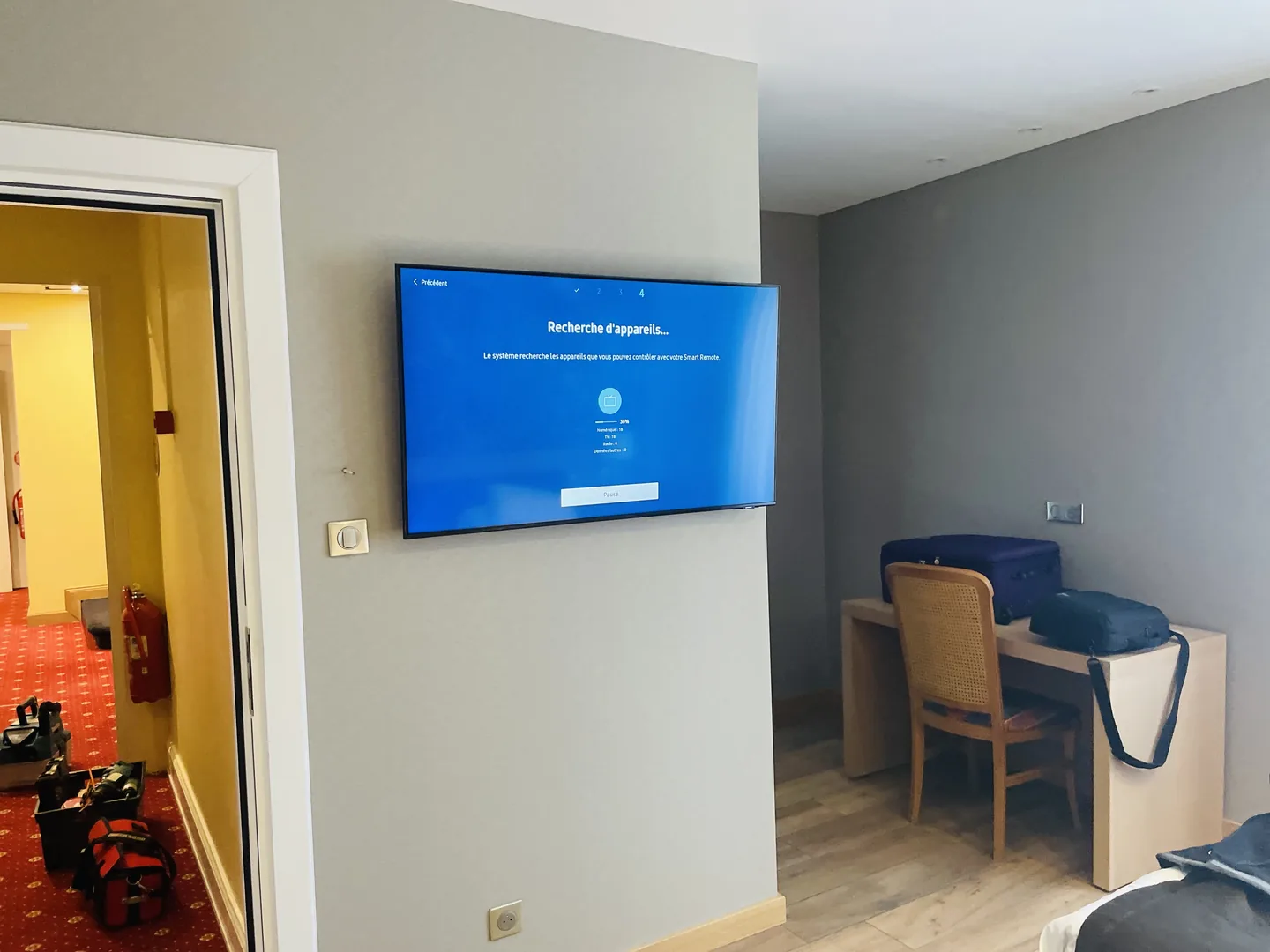
Wall TV installed in a hotel room.

Collective TV and connected screens: thinking the whole channel
Wired networks and Wi-Fi: from your spaces and uses
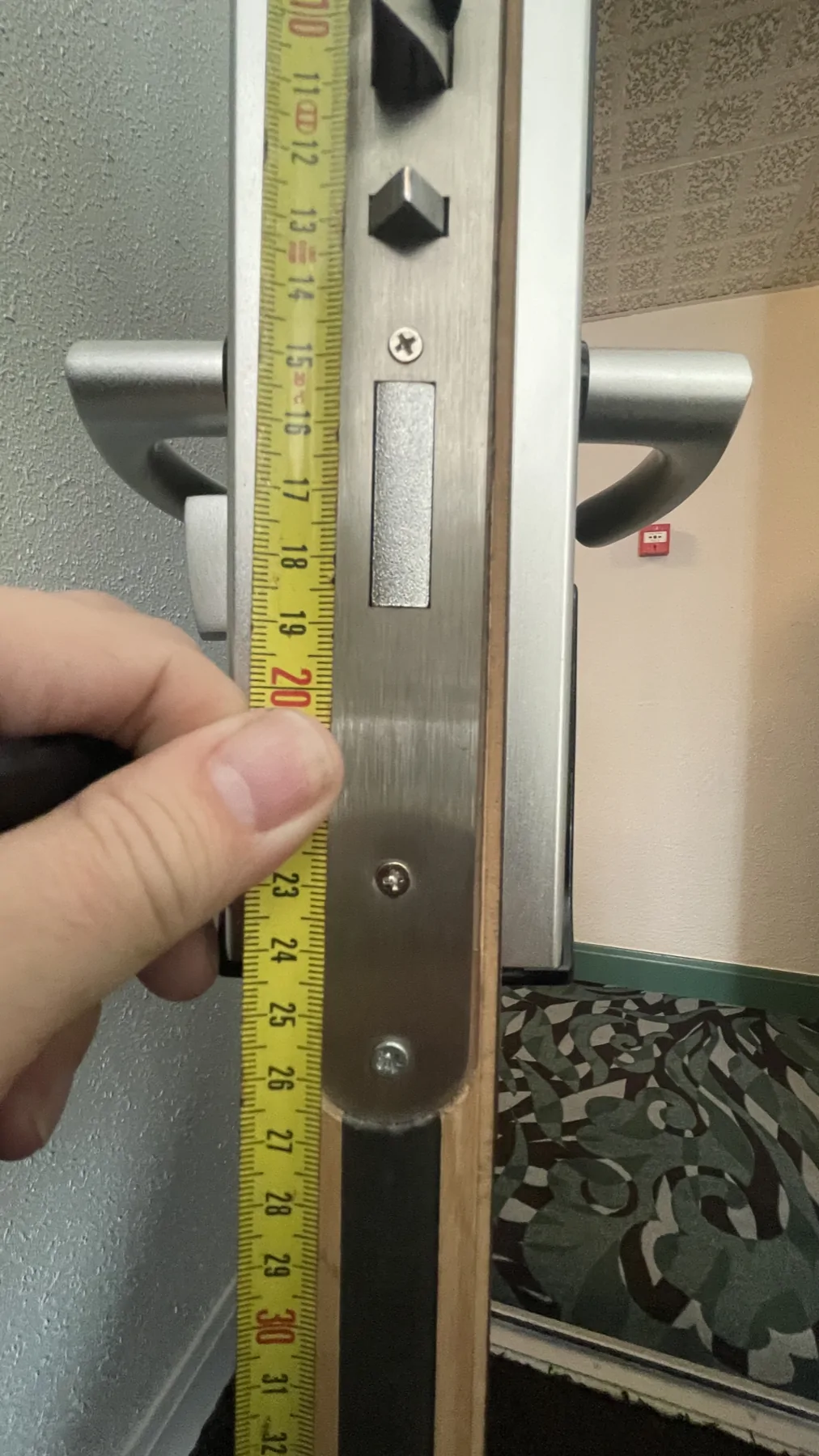
Electronic locks: adapt the solution to the doors and uses
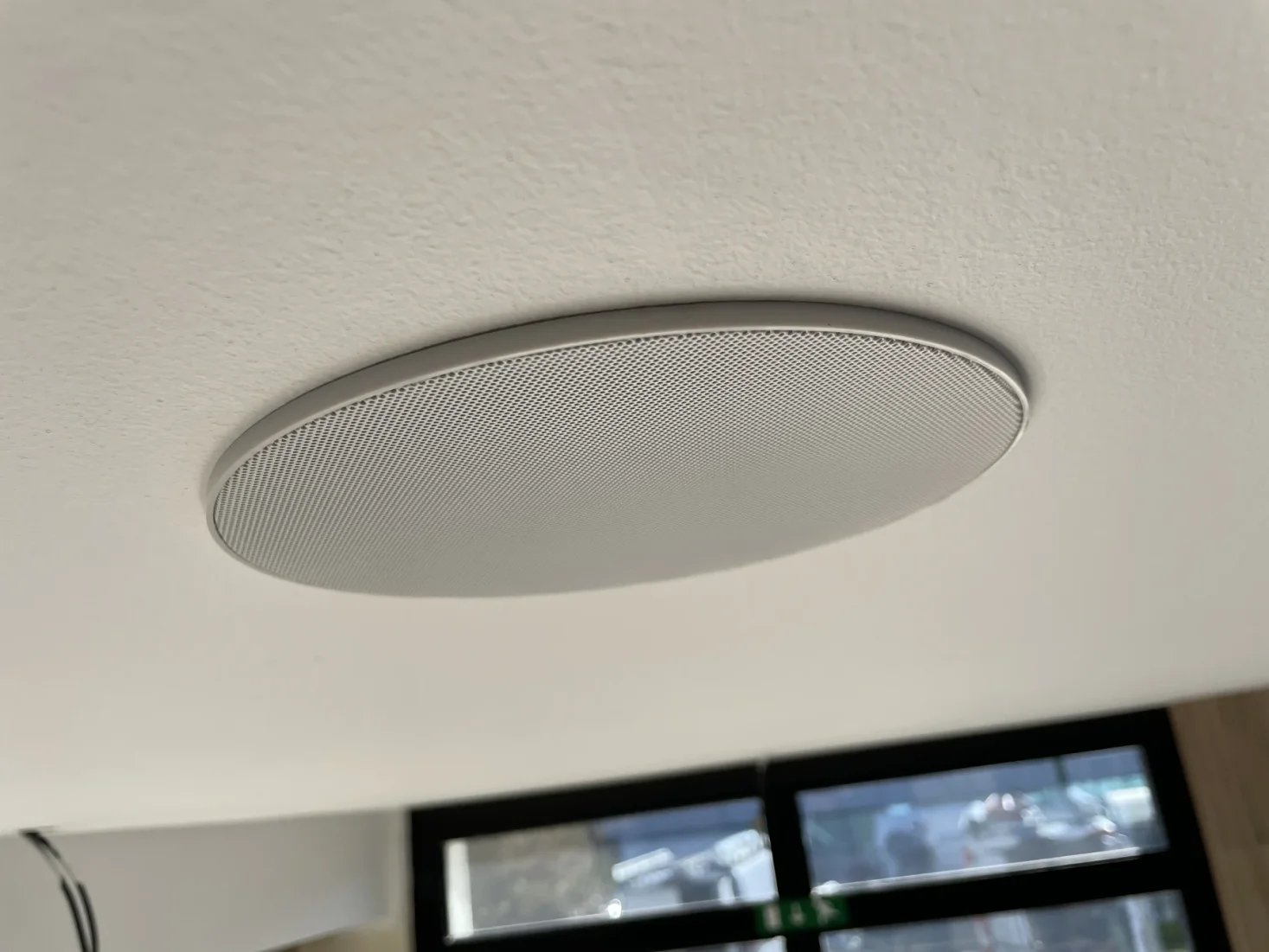
PA speaker integrated into the ceiling.

Sound and audiovisual: preparing each space around its use

Prepare a renovation without separating the room from the rest of the hotel

The right perimeter brings together the equipment visible to the customer and what makes it work: reception of programs, connections, technical premises, network, computer systems and information prepared by the establishment's teams. The subjects must be studied together while keeping a responsible person identified for each. This prevents a screen from being placed without the correct arrival or a Wi-Fi change leaving information in the room that has become inaccurate.

A four-step preparation programme

  1. Describe the uses: rooms, welcome, restaurant, meeting rooms and team premises. To meet the needs of TV, connection, telephone, sound and access according to each space.
  2. Examine the existing: equipment, cables, bays, power supplies, plans and finishing constraints. Distinguish items to keep points to study.
  3. Validate representative choices: control room, screen location, function control and first home information.
  4. Organize the deployment: accessible rooms, schedules, interlocutors, testing and processing of reserves by stage.

Experiences that inform these decisions

The witness room of a hotel under renovation has led to changes in the supports and size of certain television sets taking into account the desk, bed and false ceiling. In another institution, the return from the operator after a Wi-Fi installation confirms that the installation could have been carried out discreetly during the reception of the customers.

For the design of a sound, discussions with architecture and construction site professionals made it possible to specify the zones, locations and connection responsibilities. The interest of working together lies in these concrete decisions: what must be heard, where, at what times and with what orders for the teams.

A clear relay between building, systems, data center and software

Alltech installs connections and field equipment. Agedis prepares and administers servers and systems where the project has a computer component. If an infrastructure is to be hosted or a remote copy is to be studied, Cloudlab brings the data center component. Finally, Dtouch studies exchanges with business tools where software integration is needed. The perimeter is fixed according to the real need of the hotel.

To prepare a first exchange, bring together the spaces concerned, the functions to be improved, the work already planned and the desired completion period. The Guide to Work in Occupied Facilities helps bring this information closer to the constraints of your operation.

Prepare equipment as close as possible to use.
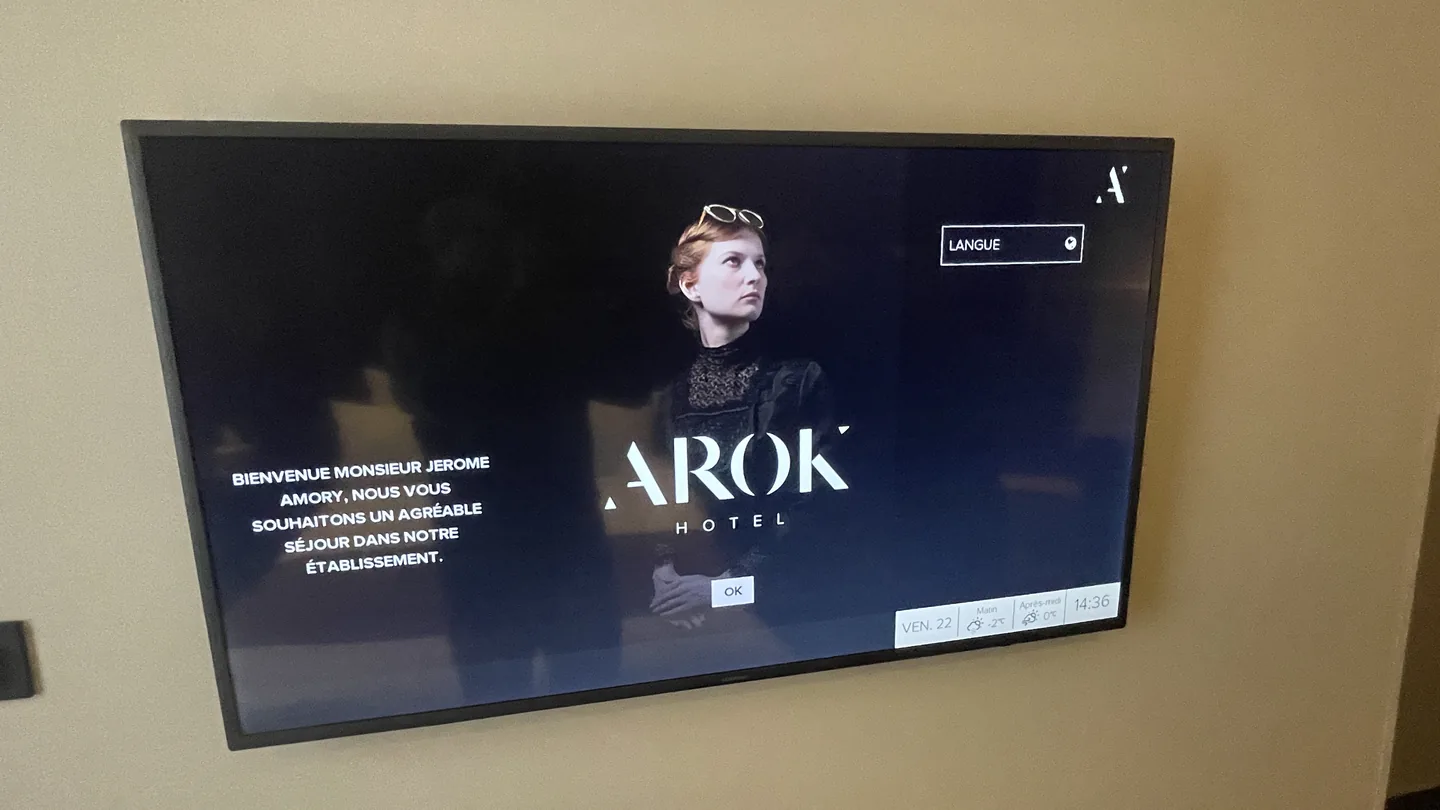
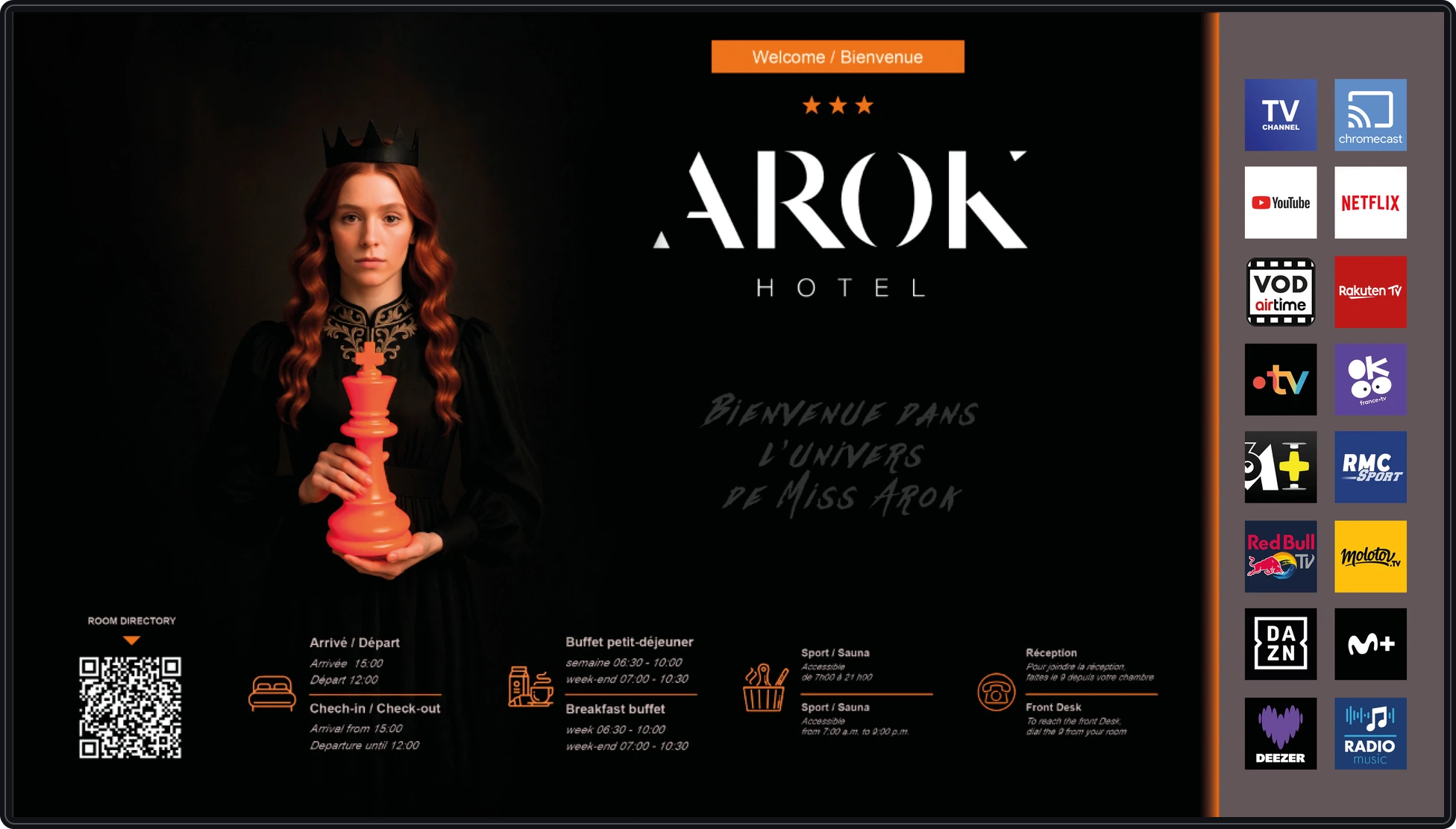
Hotel Arok — home screen displayed on wall-mounted TV in a room.
Hotel Arok — home screen displayed on wall-mounted TV in a room.Preparation of settings of a wall TV during installation.

The Rhineland: dynamic display at reception.

Present the hotel's services and practical information through the screens: Here is a selection of the visuals designed for Le Rhénan.
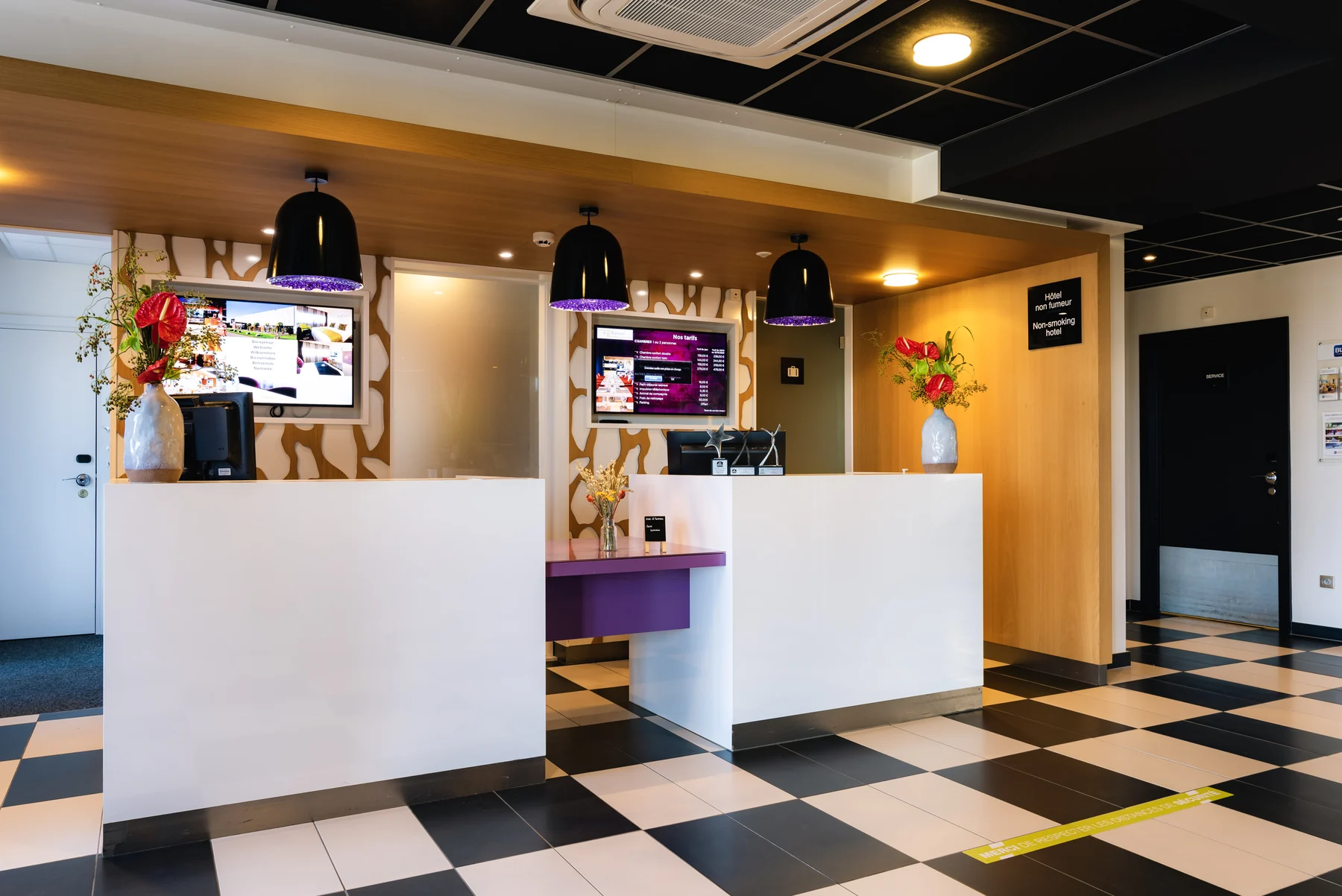
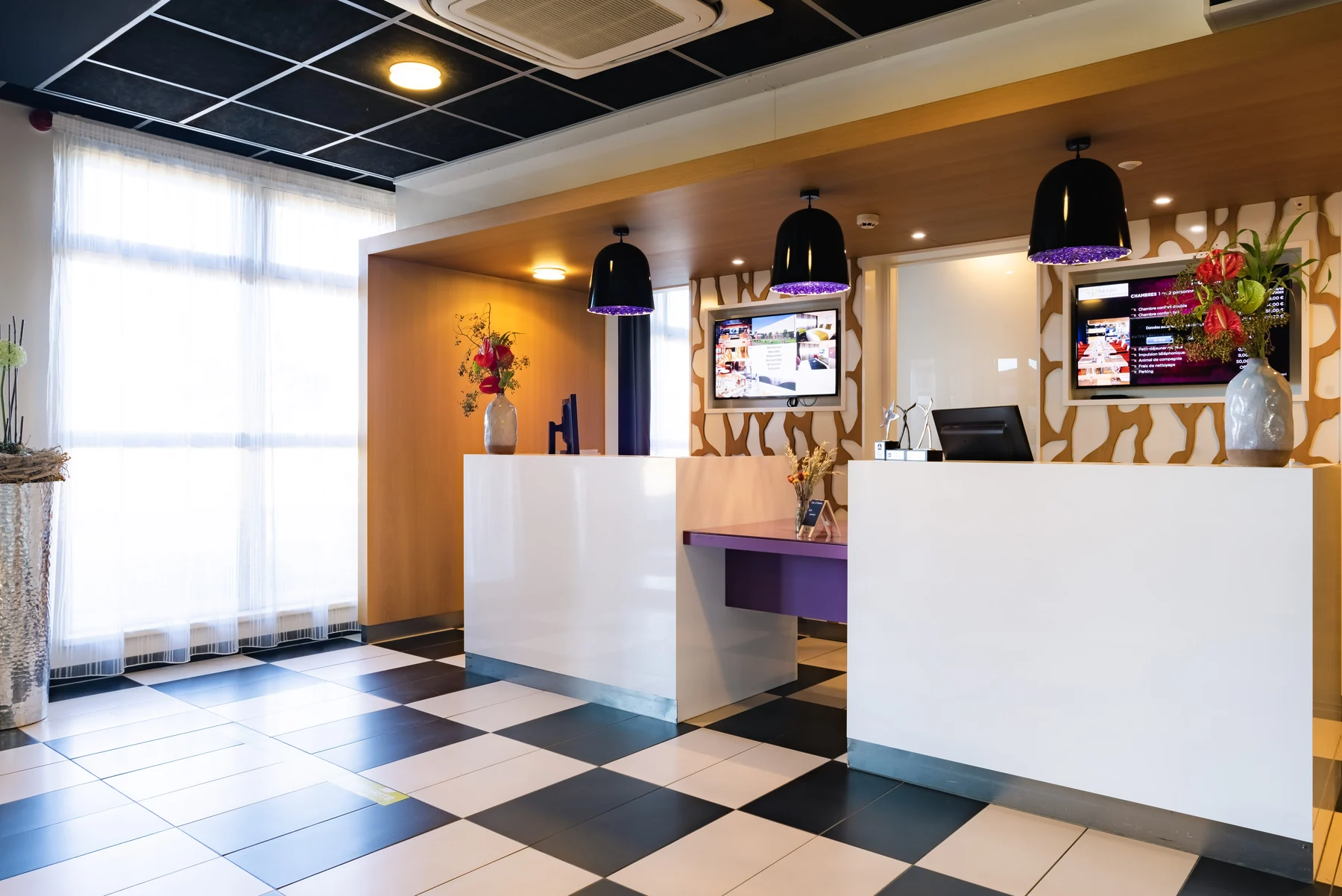
The Rhineland — display screens at reception.
The wall screens seen from the Rhenan reception.
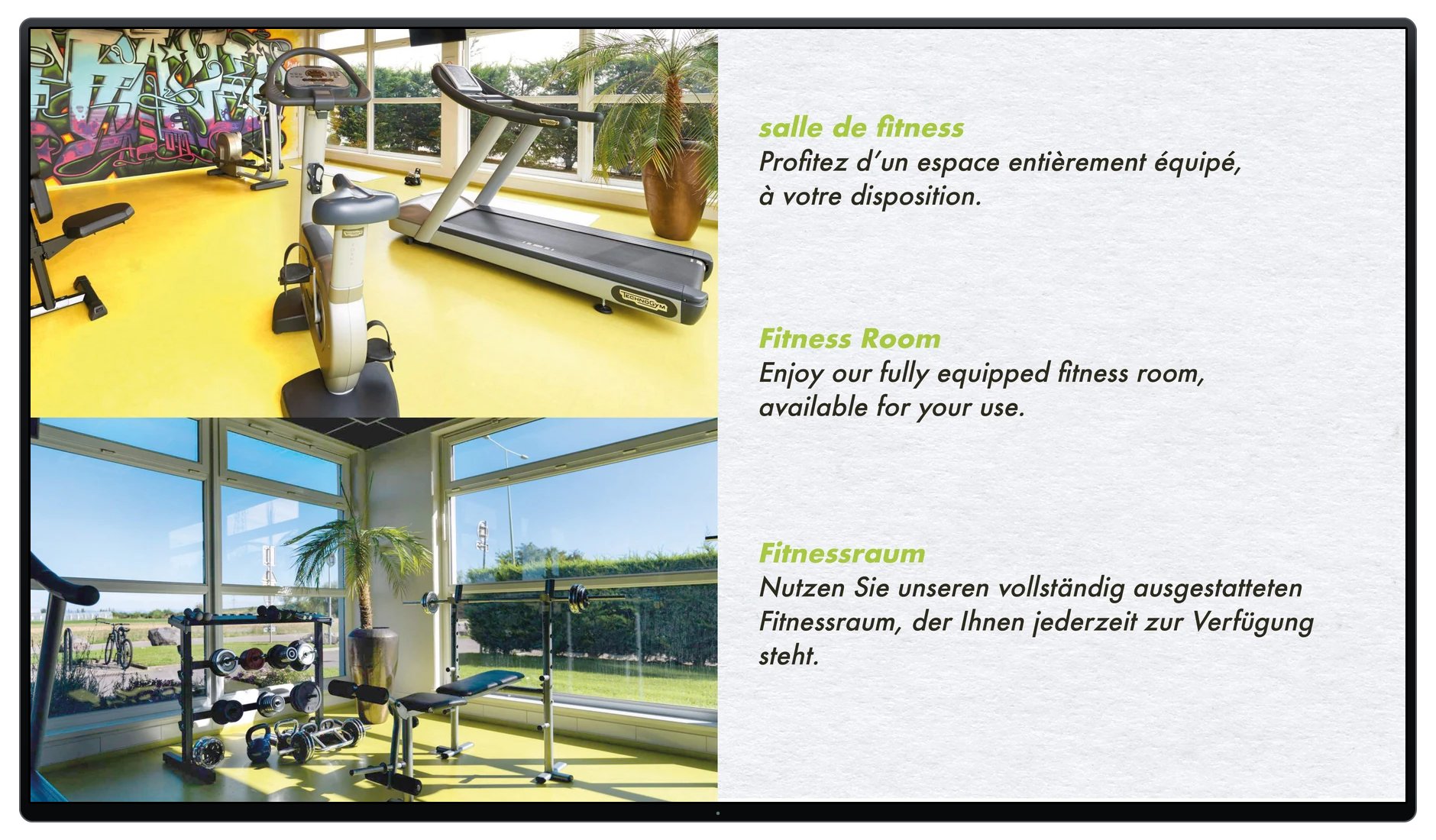
Le Rhénan — Fitness room, dynamic display visual in a TV frame.
Fitness roomDynamic display visuals designed for the hotel Le Rhénan.

Image equipment and interventions.
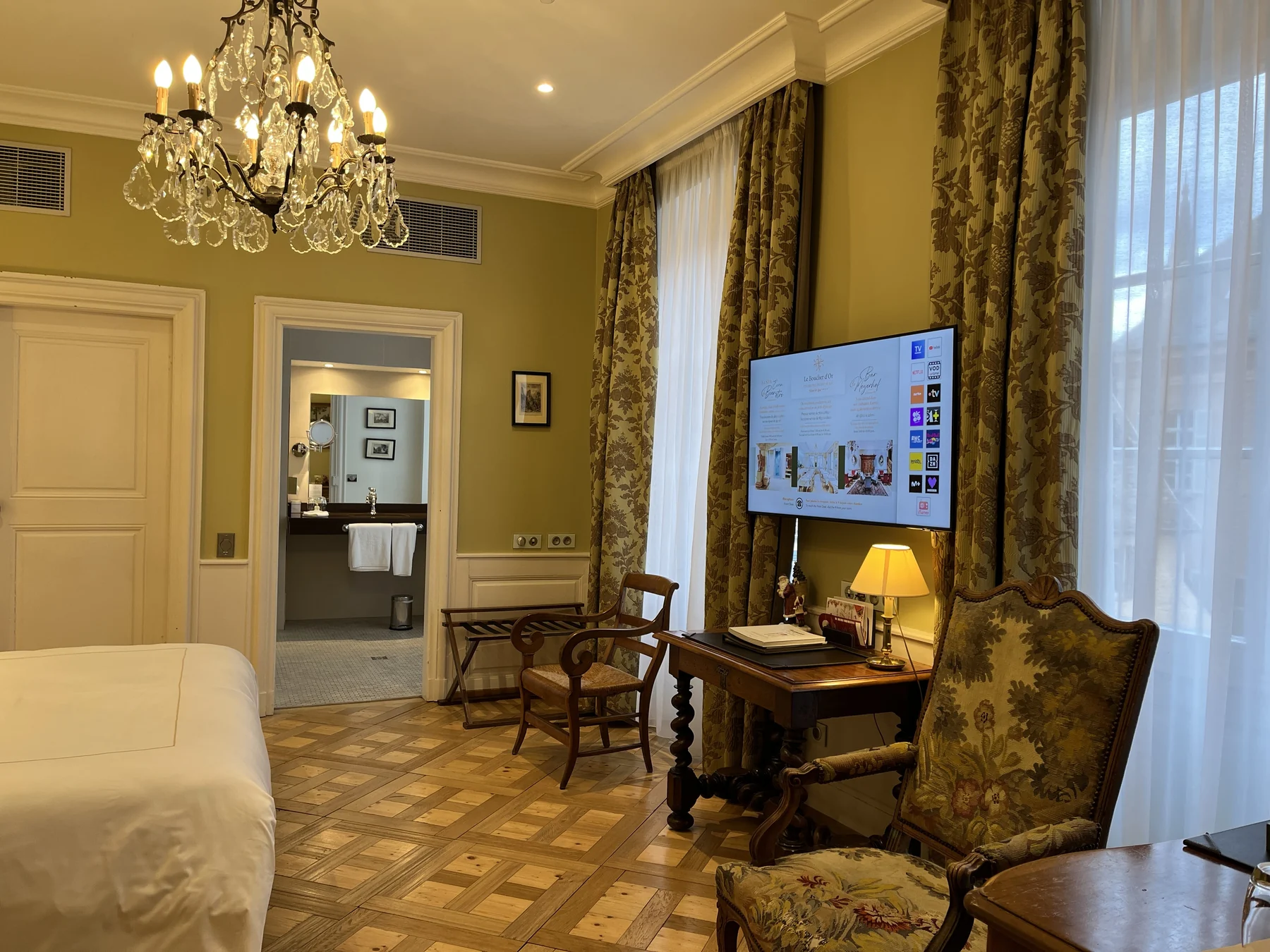
Television installed in a room of the Gold Shield.
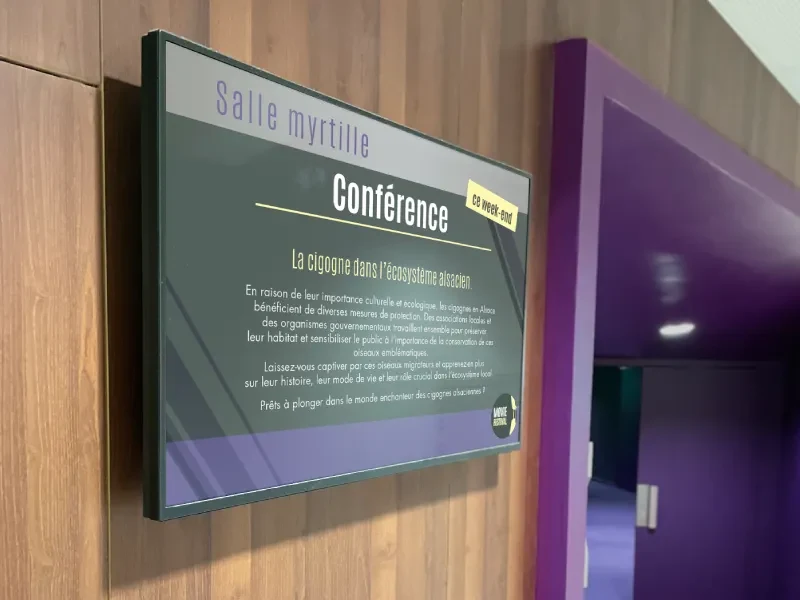
Information screen at the entrance to a conference room.
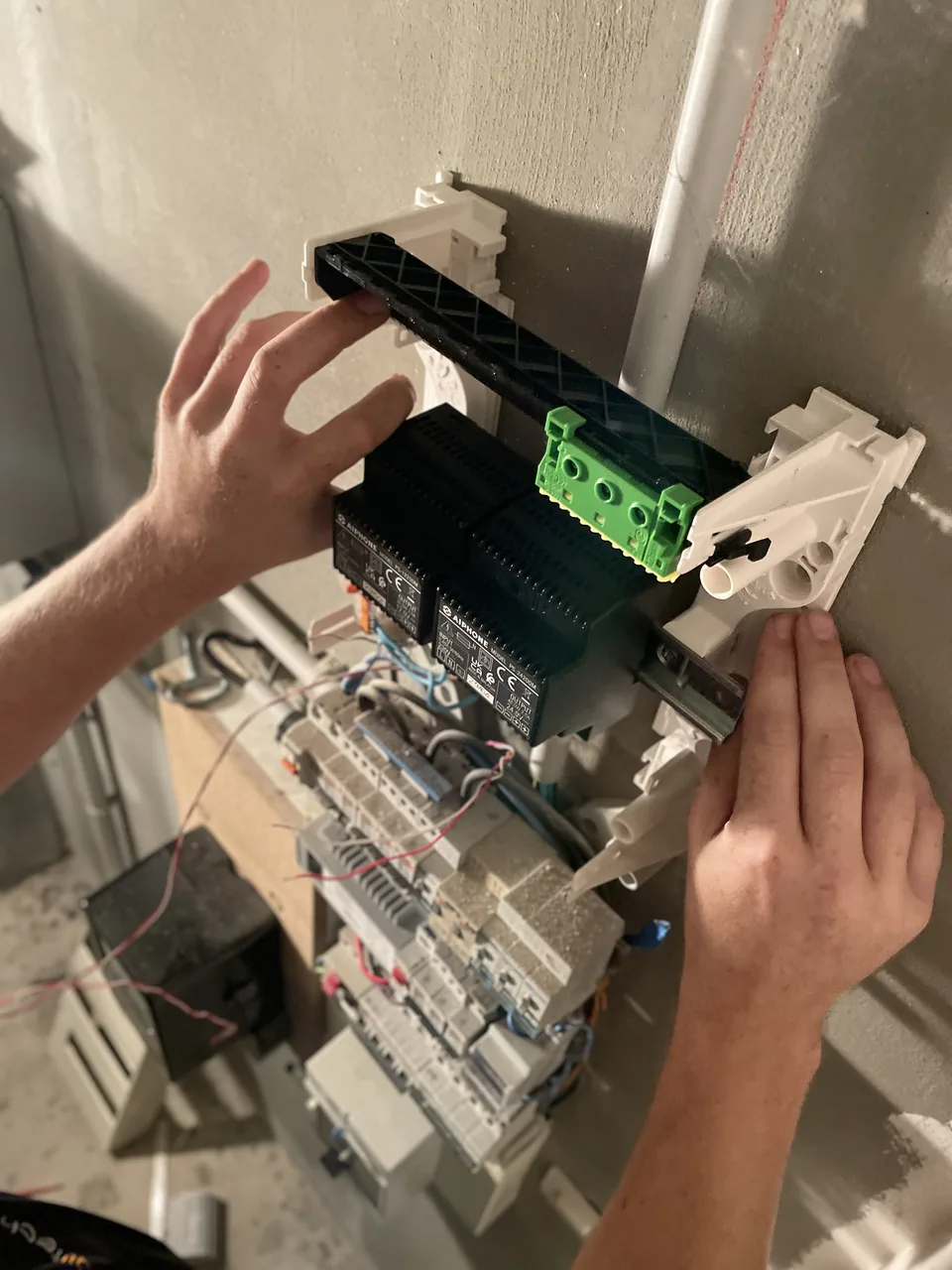
Intervention on an electrical panel: installation of a module.
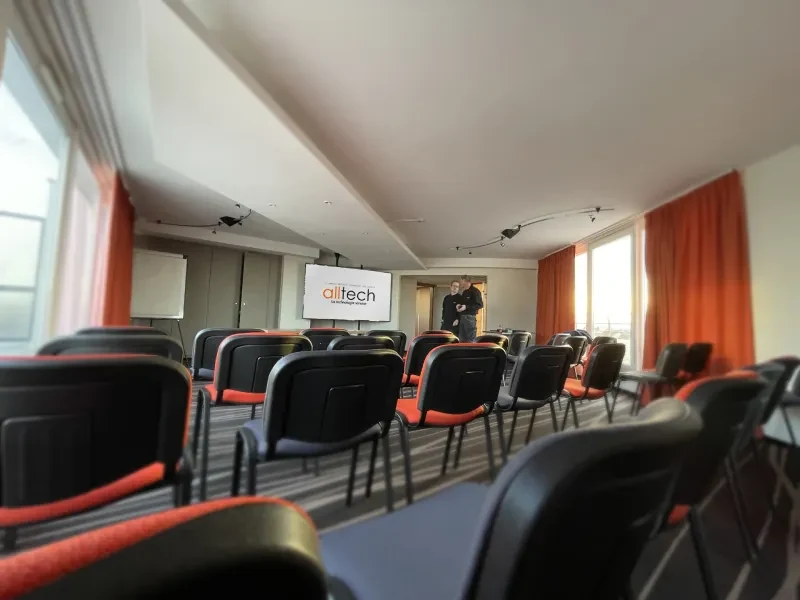
Room equipped for presentation and conference.
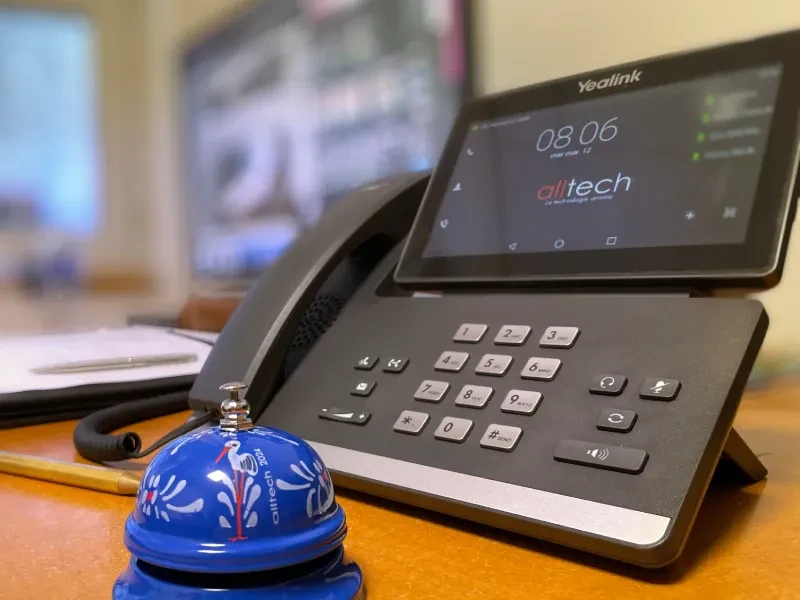
Telephone station installed at reception.
Hotel room in Mulhouse: wall-mounted television on during configuration.
Hotel Arok — “Miss Arok” TV home and applications.
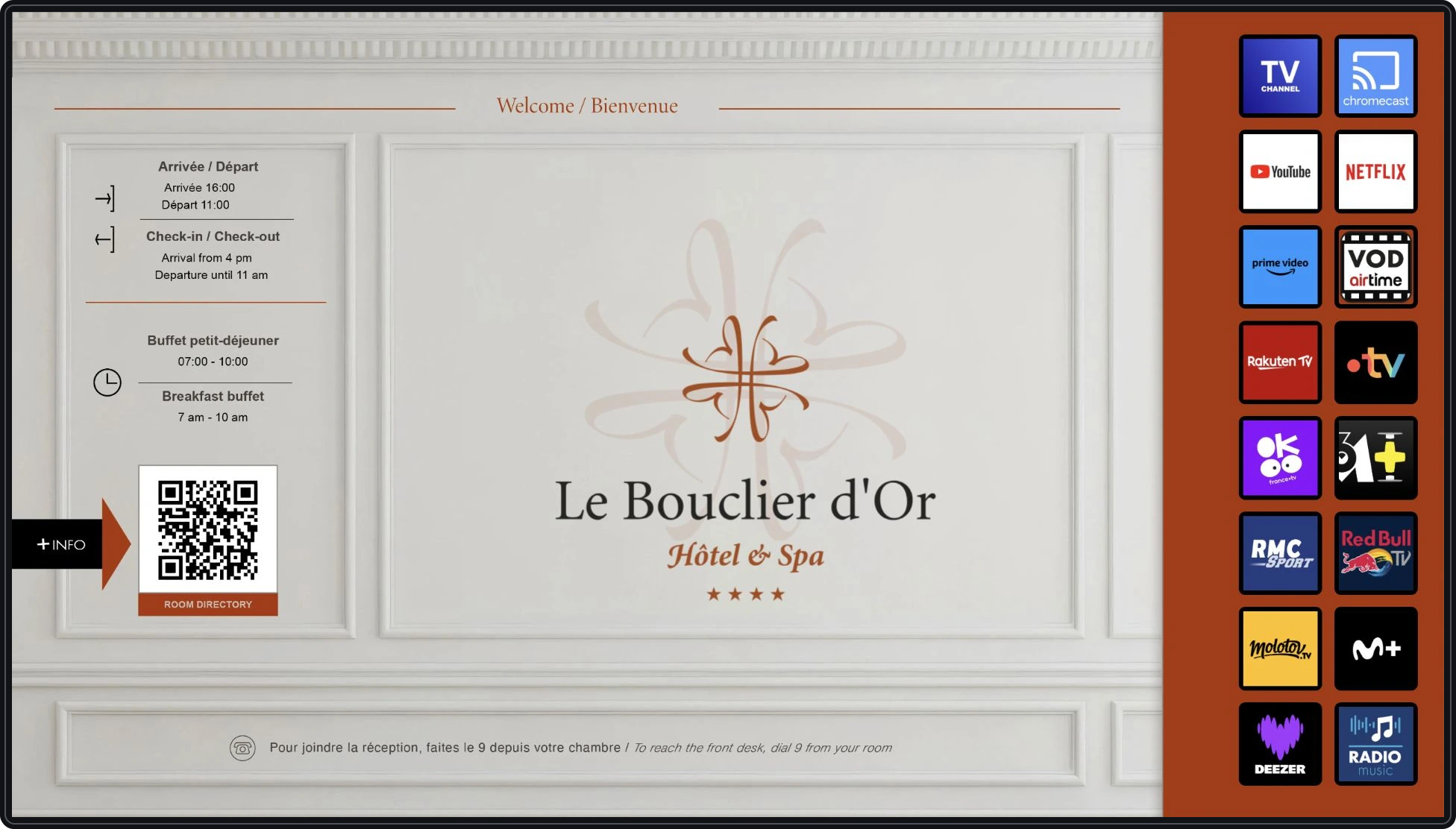
The Golden Shield — Samsung LYNK home screen and apps.
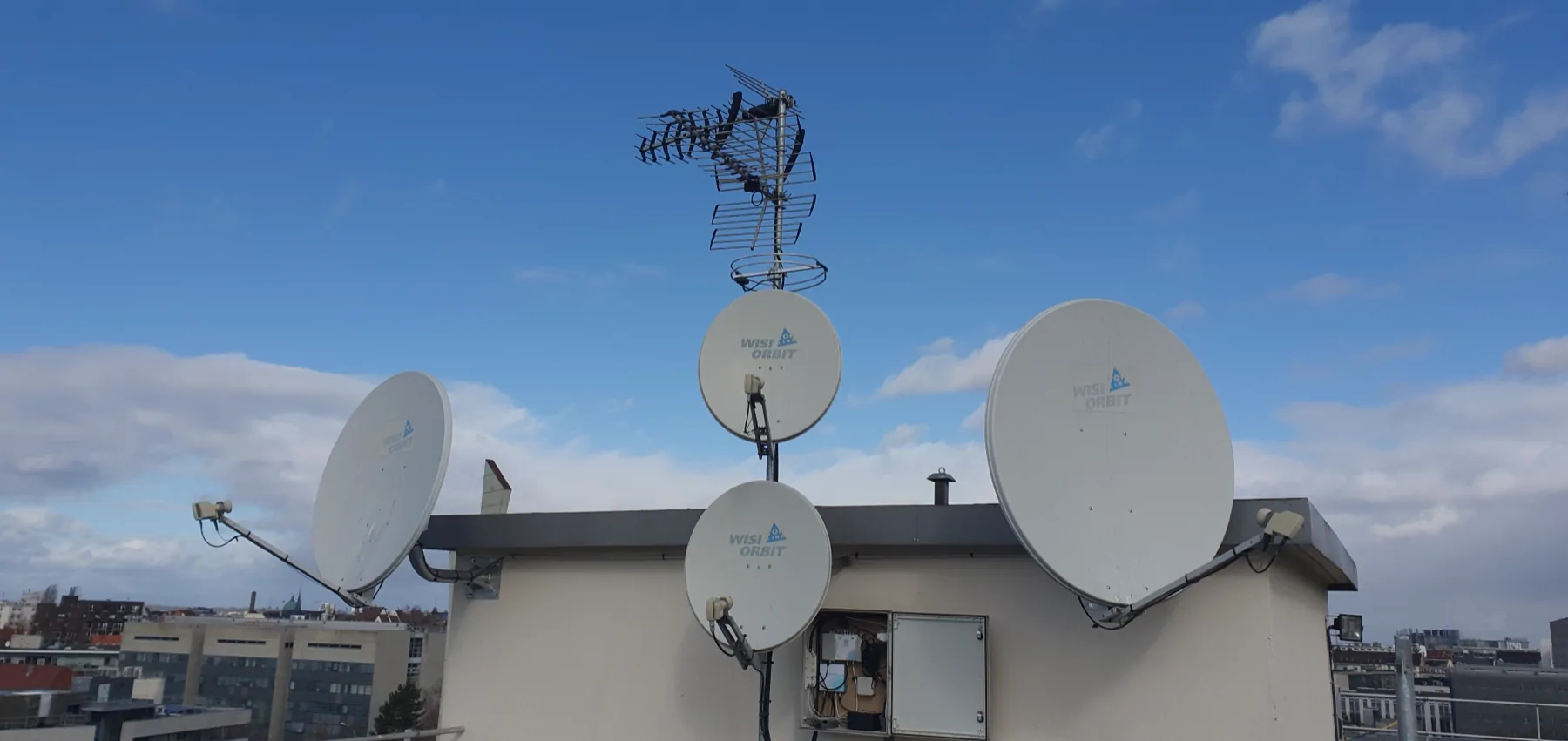
Antennas and satellite dishes for a roof TV reception installation.
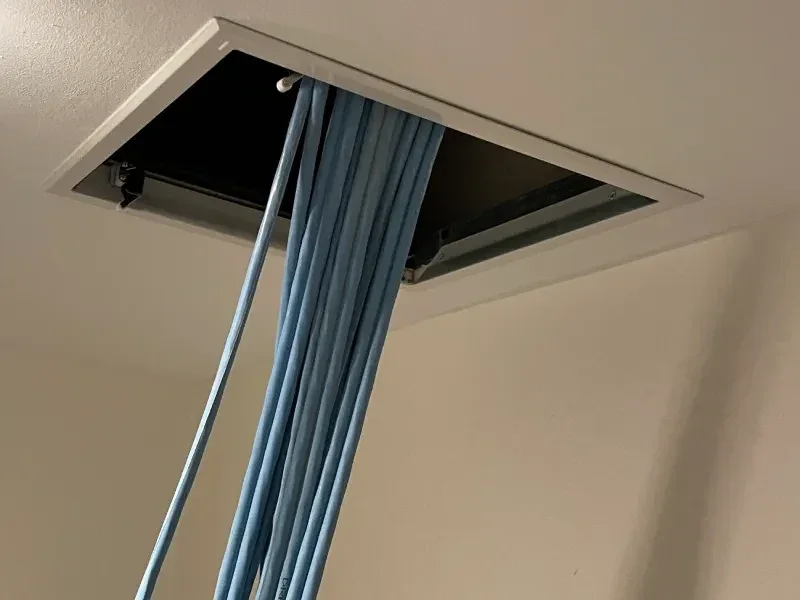
Passage of network cables in the ceiling.
Testing the indoor intercom monitor.
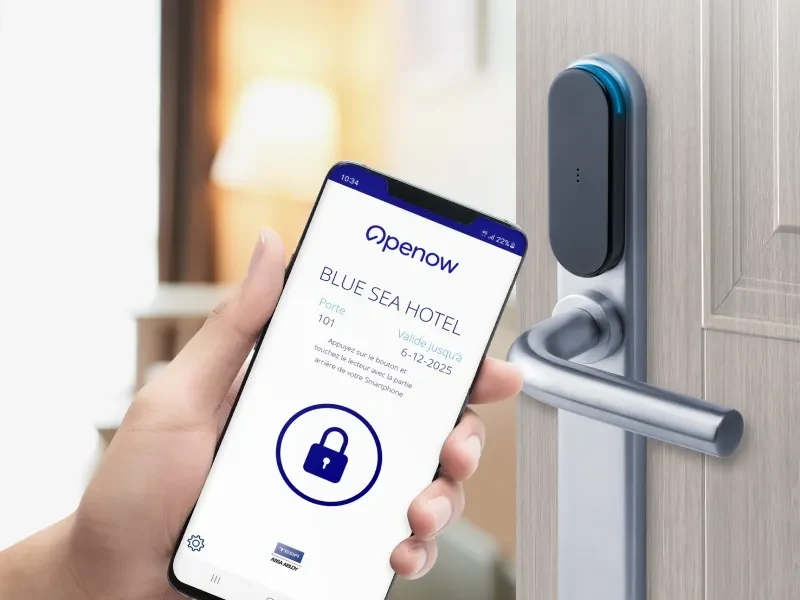
Opening a lock with a smartphone and a badge.
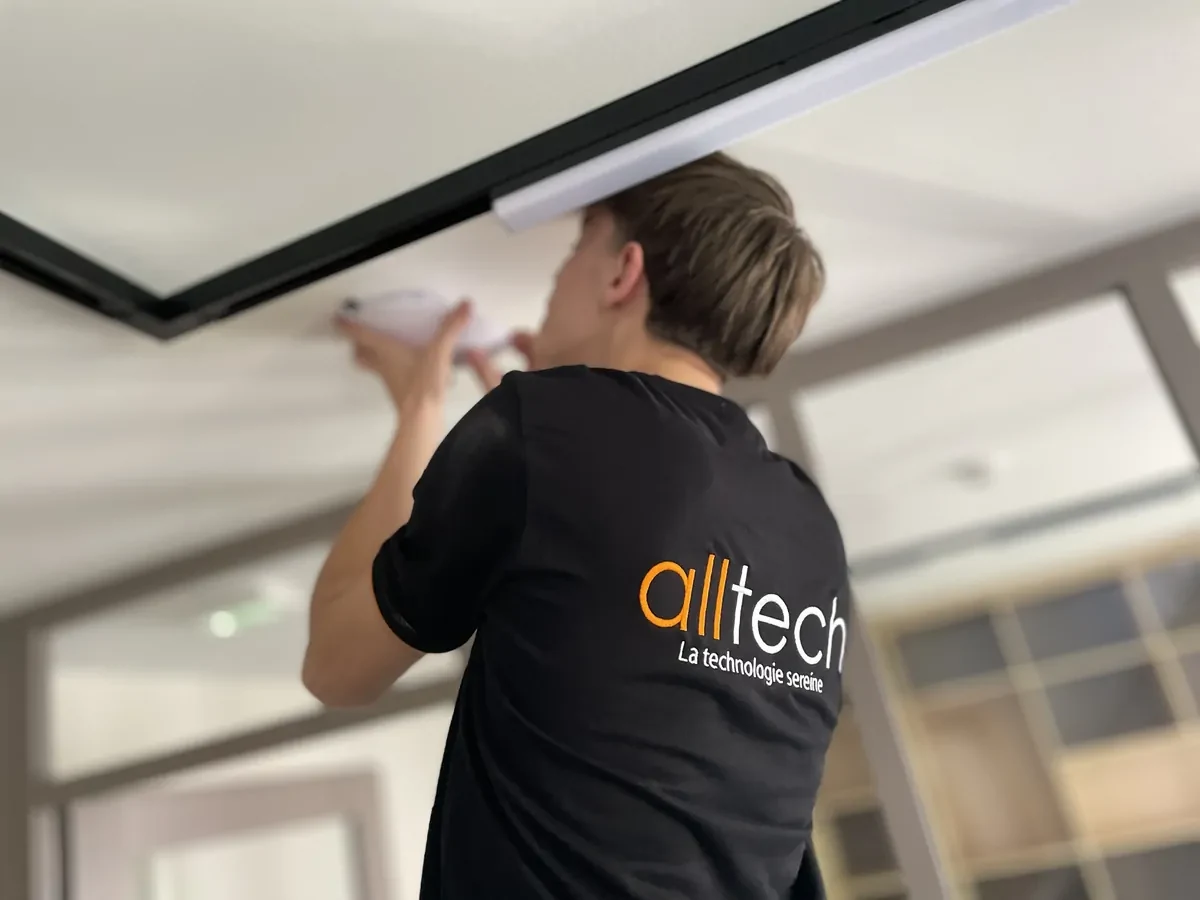
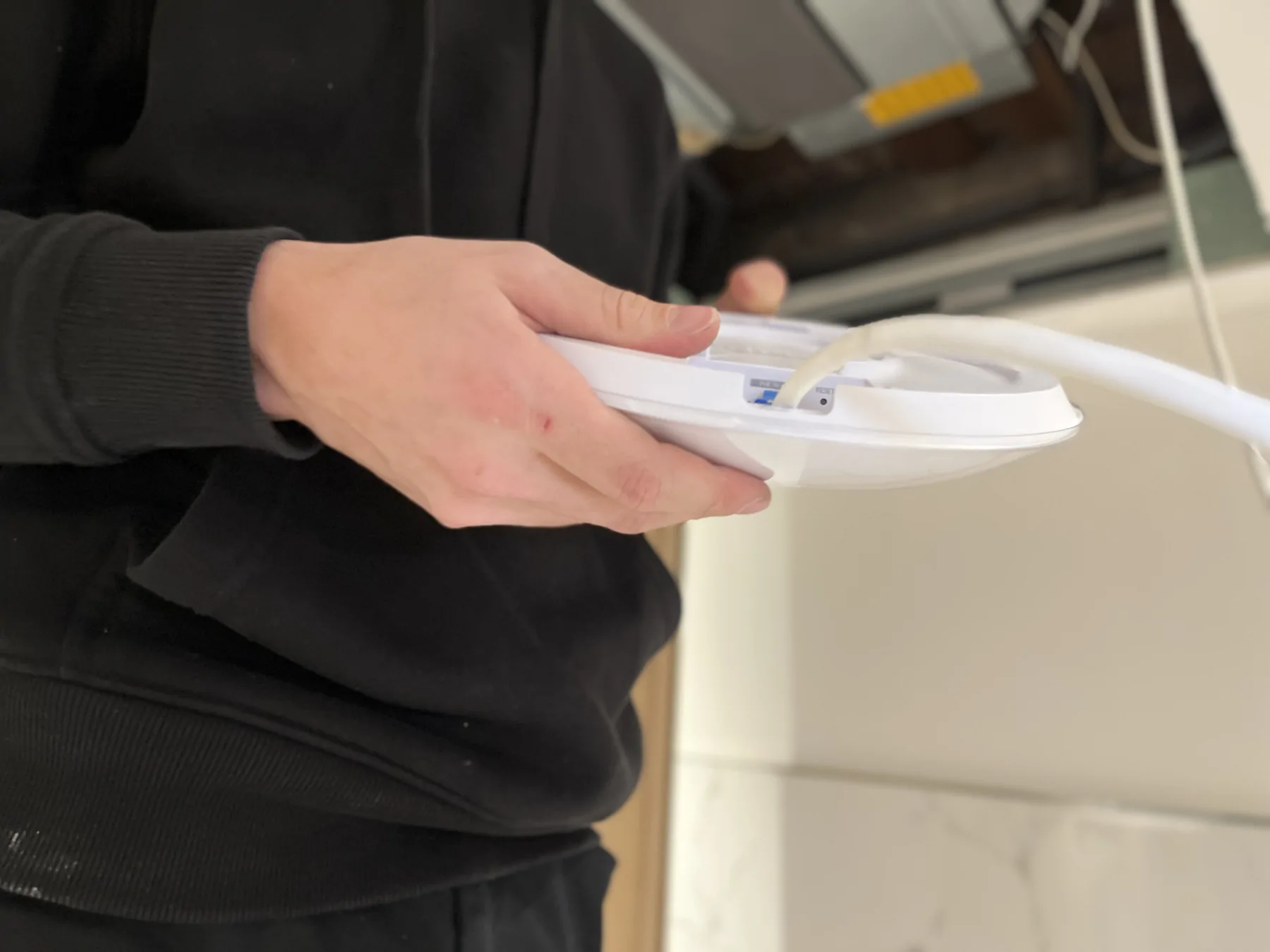
Installation of a Wi-Fi access point on the ceiling.
A need, a question, a project

Let's talk about your project.

Describe your situation, the uses concerned and what you wish to change.

Let's trade →
Focus on brands and products

Access, Wi-Fi and telephony for your hotel.

Discover equipment that we can integrate into your project, with guidelines for choosing and preparing their installation.

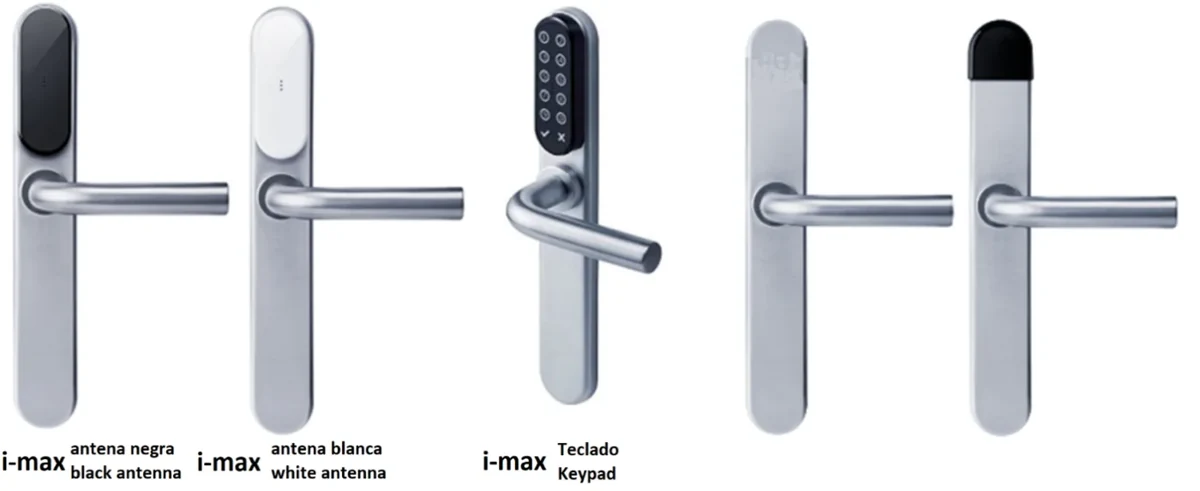
TESA ASSA ABLOY · i-max
Product visual TESA ASSA ABLOY

Partner · TESA Hotel

Hotel locks and access

TESA ASSA ABLOY

From the room to the reception, prepare the electronic locks with the existing doors, the access rights and the gestures of your team.

See products and their uses →
Ubiquiti · UniFi · UniFi U7 Pro
Product visual Ubiquiti · UniFi

Technical choice · Ubiquiti · UniFi

Wi-Fi and network

Ubiquiti · UniFi

Terminals, gateway and administration: choose the equipment with your spaces, users and available connections.

See products and their uses →
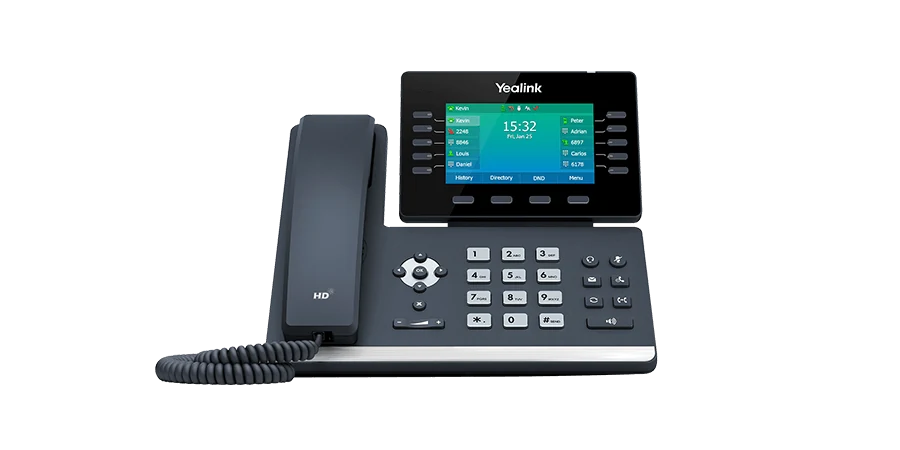
Yealink · SIP-T54W
Product visual Yealink

Technical choice · Yealink

IP telephony and mobility

Yealink

At reception, at the office or on the move in the building: choose the terminal with your telephone system and daily calls.

See products and their uses →

Complementary expertise, the same high standards.