
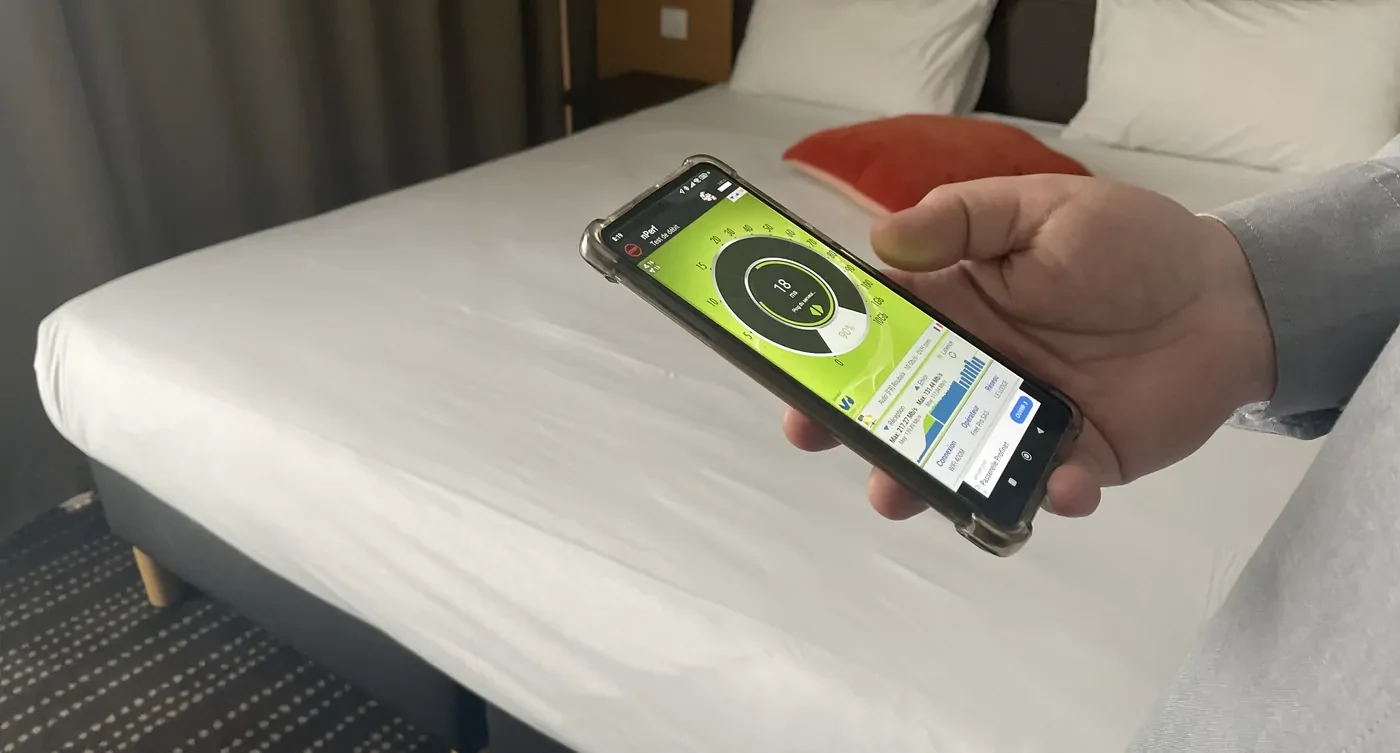
Start from your situation.
A connection difficulty is not always limited to a point of access to replace. The areas concerned must be located, the uses described and the connections that feed the equipment must be understood. In a hotel, rooms, reception teams and technical services may have different needs. In a company, the layout of positions and travel also count. The study of the project therefore begins with the activity of the site and the examination of the existing facility.
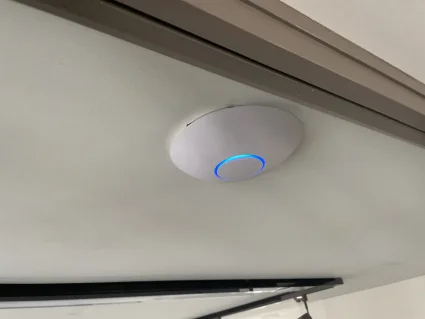
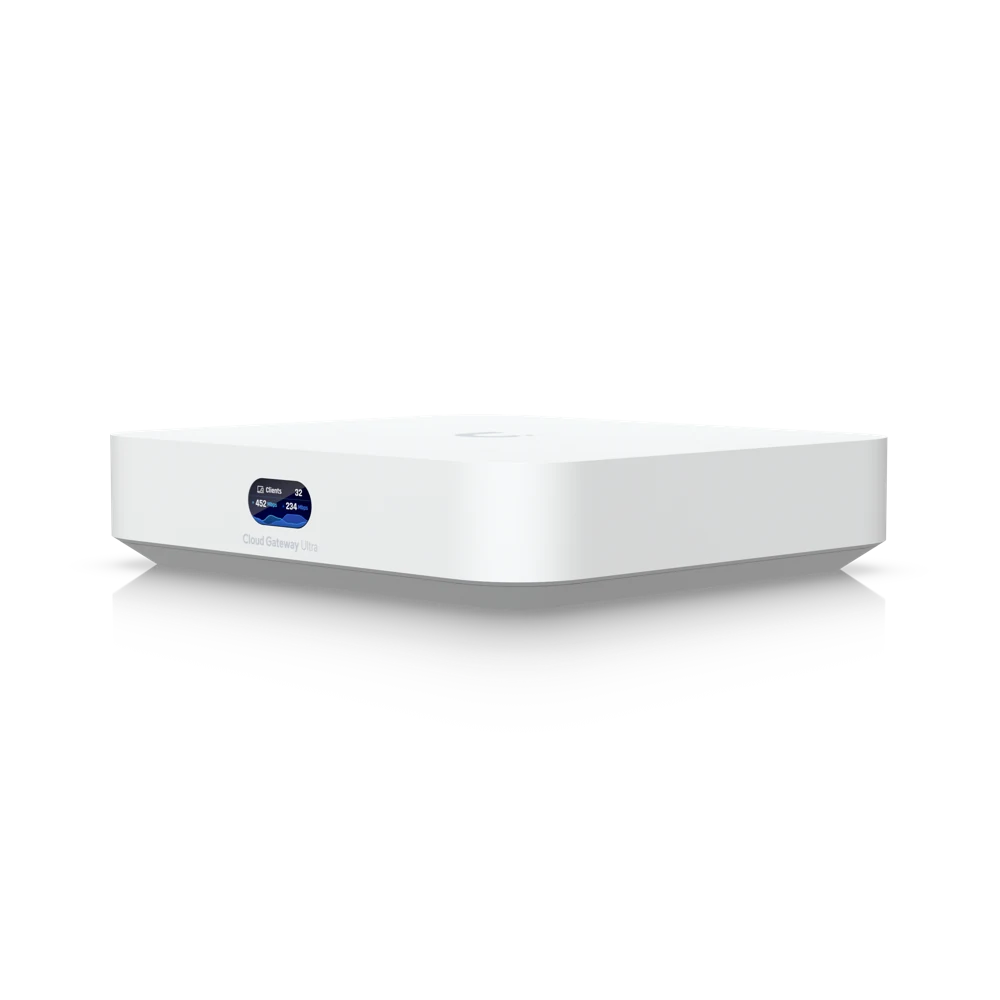
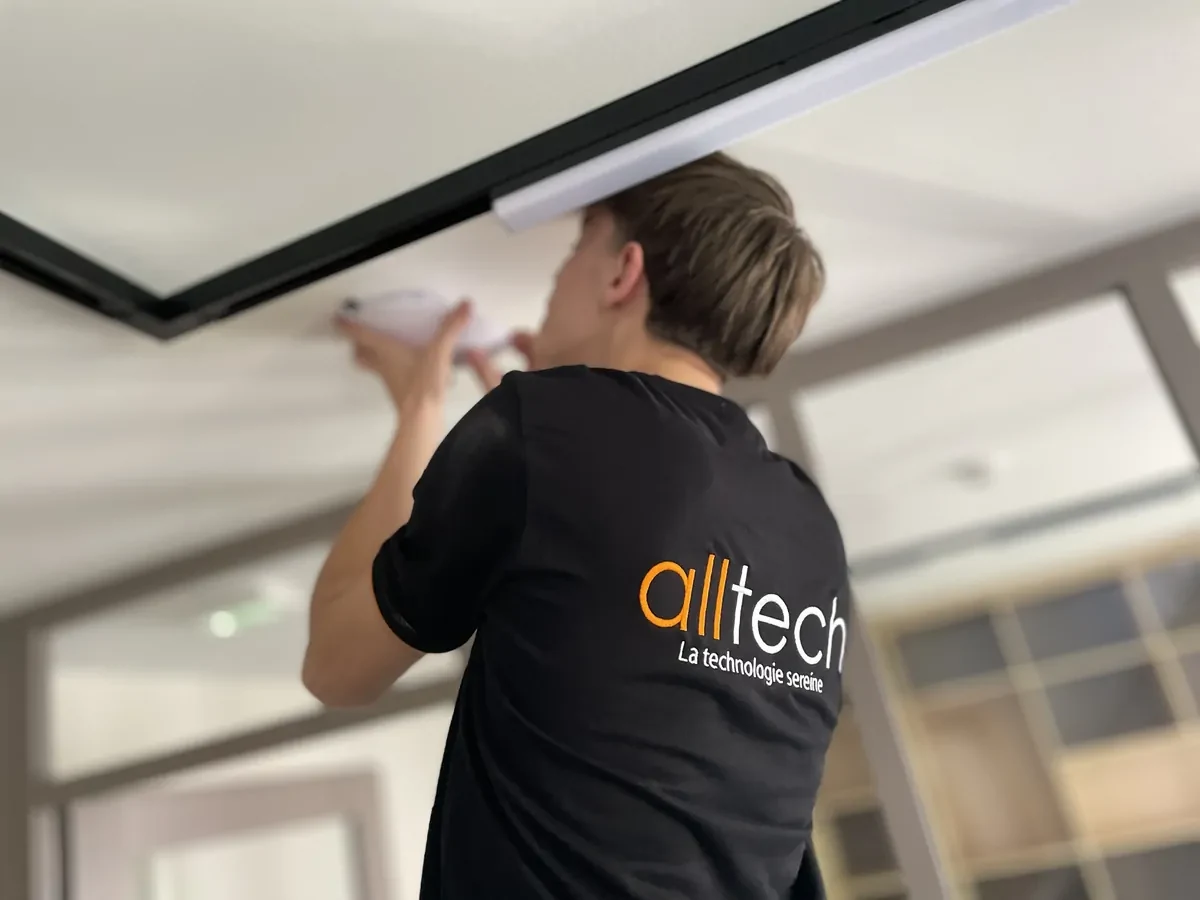
Alltech supports the field part: installation of equipment, connections and coordination with other installations in the building. An evolution of Wi-Fi may also require updating information intended for users, particularly on in-room televisions or reception media. The project must bring together these practical questions with the IT perimeter. When network administration or servers are concerned, the complementarity with Agedis makes it possible to clearly organize the responsibilities of each person.
Image equipment and interventions.
The points that count.
Describe the need
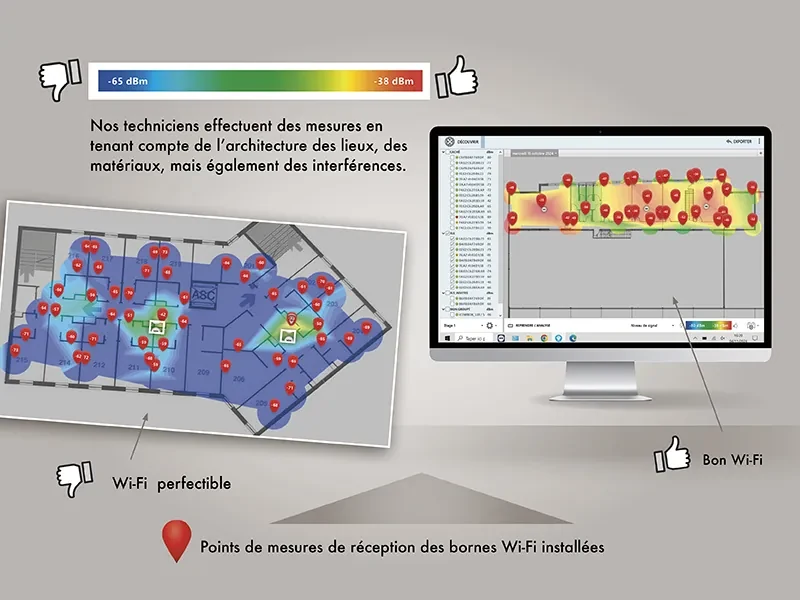
Identify where and when the difficulty appears, which devices are involved and what changes have taken place. These observations guide the relevant audits.
Connecting equipment
Examine the network arrivals and the installation possibilities before planning the installation. The location must take into account the building and the expected uses.
Supporting changes
Check the information provided to users after a change: proposed network, host media and interlocutors. The receipt must have the updated information.
Intersecting services.
An installation in a hotel that is still in operation
After an audit and installation of the Wi-Fi, the customer confirms a discreet intervention without disturbing customers, then good feedback on the connection.
Read the experience →Distinguish coverage, connection and use
"Wi-Fi works badly" describes a feeling, but does not yet say where to intervene. The network can be visible without giving access to the service expected; a difficulty can involve a single room, device or a period of high attendance. To prepare for an audit or resumption, users' observations, space layout and access point links are brought together.
| Situation | Observations to gather |
|---|---|
| An area is hard to connect | Rooms or floors affected, location of the user, devices used and times when the difficulty appears. |
| The network is visible, but the service is not responding | Step that blocks, displayed message, result in another area and operation of other services. |
| The problem follows a change | New equipment, modification of the proposed network, movement of furniture or recent work. |
| The request concerns an extension | New spaces, expected uses, available network arrivals and installation constraints. |
Install in a hotel that continues to welcome
Preparation doesn’t stop at the number of terminals. It is necessary to identify the accessible rooms, plan the passages with the reception and agree on the spaces which can be occupied during the work. Places where installation is possible must also be confronted with connection needs. In one of the files monitored, a client confirms an audit before installation, then a discreet installation without discomfort for the people welcomed. Its favorable feedback on the connection constitutes an observation of use, without announcing a guaranteed flow rate in each room.
Check transition with site teams
After a change, reception must know which network to indicate, what information has changed and who to report a difficulty to. In-room supports, welcome screens and any QR codes must follow the same version. In a 2026 hotel monitoring, TV information and a QR code at reception are reviewed after a Wi-Fi change; the client then confirms the corrections concerned. The Wi-Fi and TV changes guide to the hotel This is the result of a series of meetings of the co-ordination points.
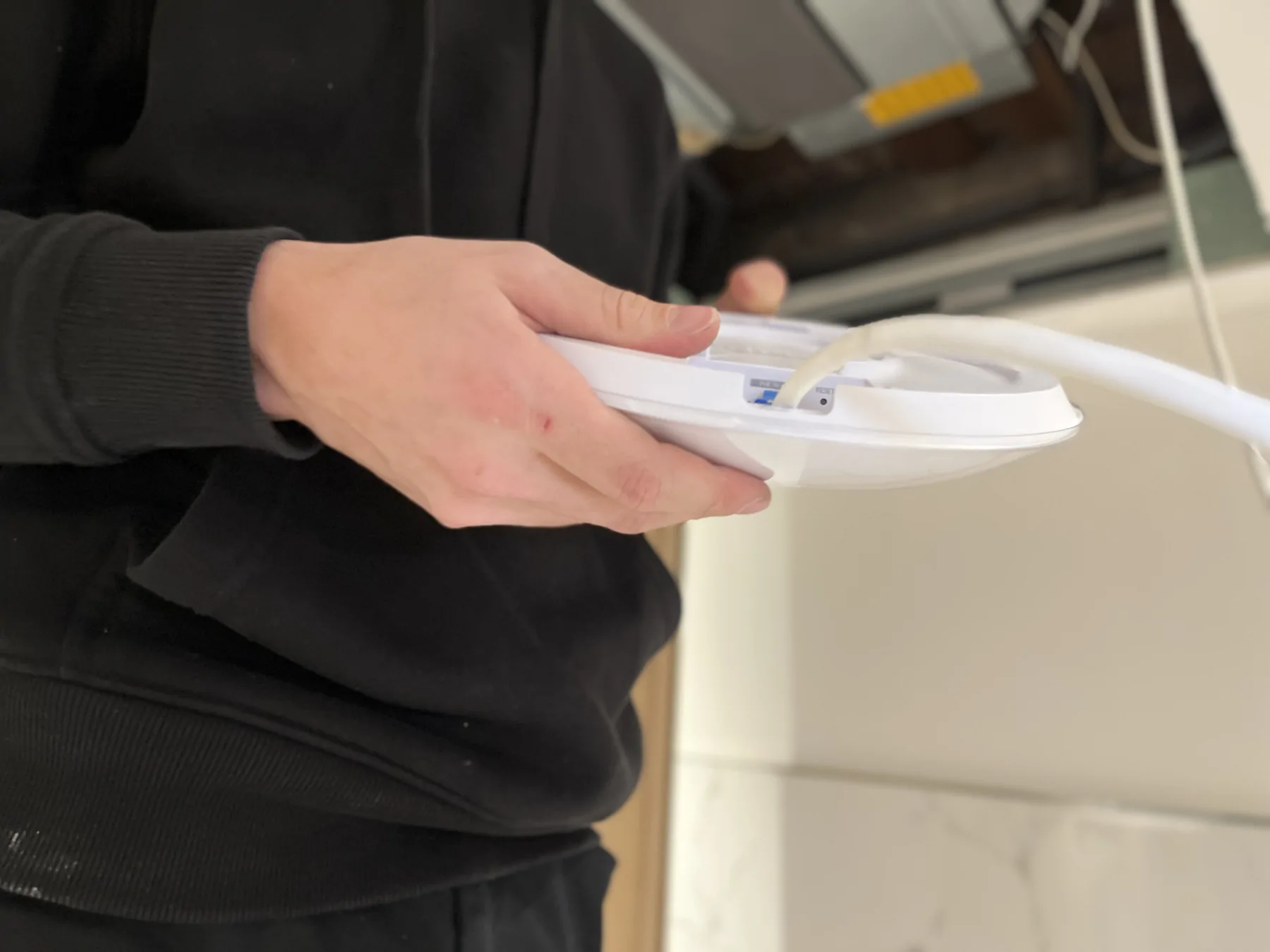
Alltech deals with the installation and connections in the building. For administration choices, access or IT services, Agedis intervenes on the network and systems. If a link needs to be added or checked, the network wiring is considered as a part of the project.
From connection to installation.
Before getting started.
Should the entire network be replaced?
Not necessarily. The scope is defined after examining the existing situation and the need. A localized difficulty may call for targeted intervention, to be verified on site.
Does Wi-Fi fall under Alltech or Agedis?
Alltech works on the implementation and field equipment. Agedis provides additional IT administration, network configuration and servers when the project requires it.
Connecting the right skills.
Agedis · a complementary skill
Combine work in the building with equipment administration and IT usage management.
Organize the network with Agedis →