Name the problem encountered
Specify the rooms or spaces concerned and describe what the user sees. Information that has become old on TV, an unavailable channel and a difficulty of Wi-Fi connection correspond to different topics. The timing and recent changes help stakeholders prepare for their audits. It is better to provide concrete observations than to choose from the outset equipment to be replaced.
Watch the complete chain
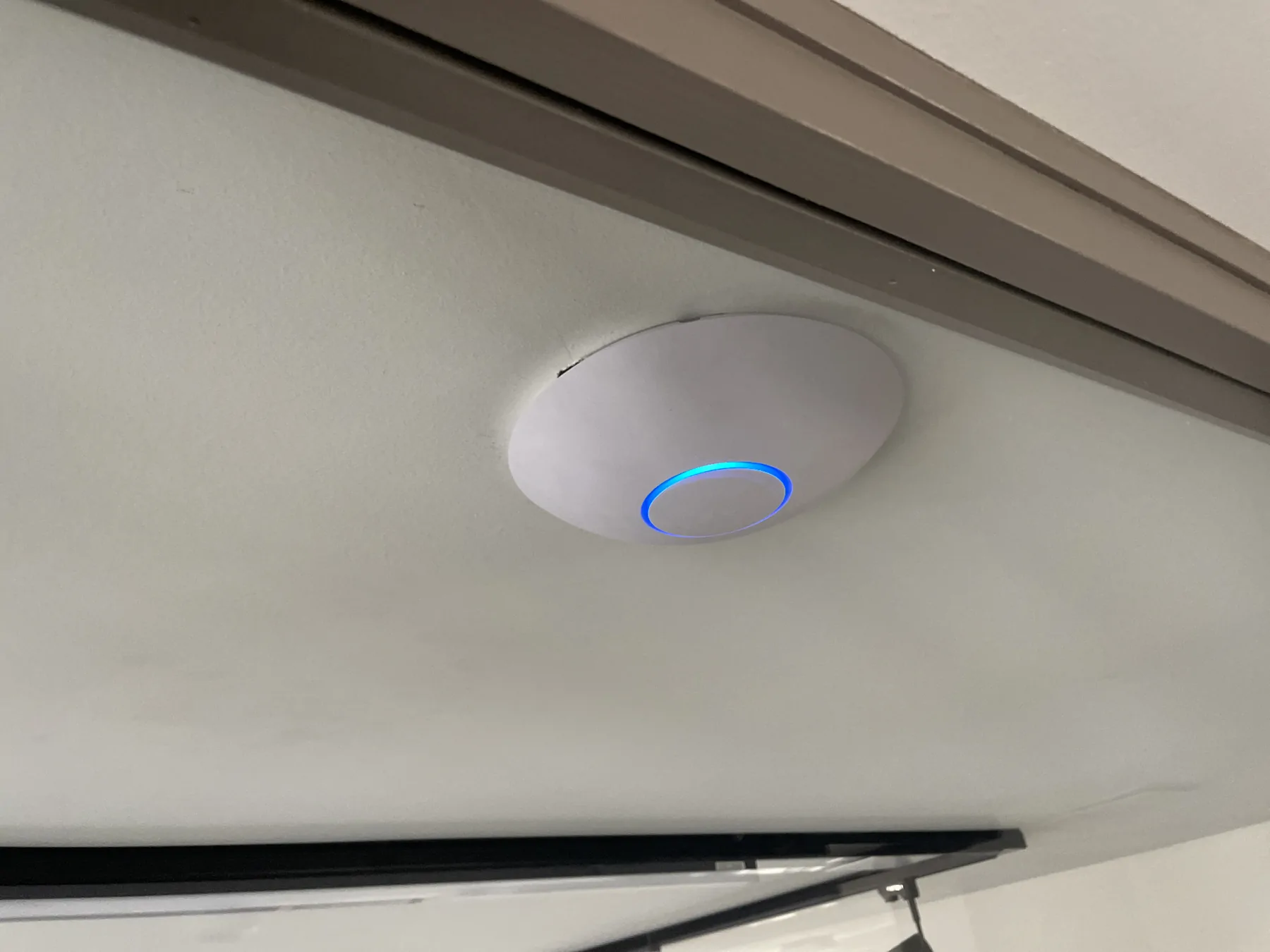
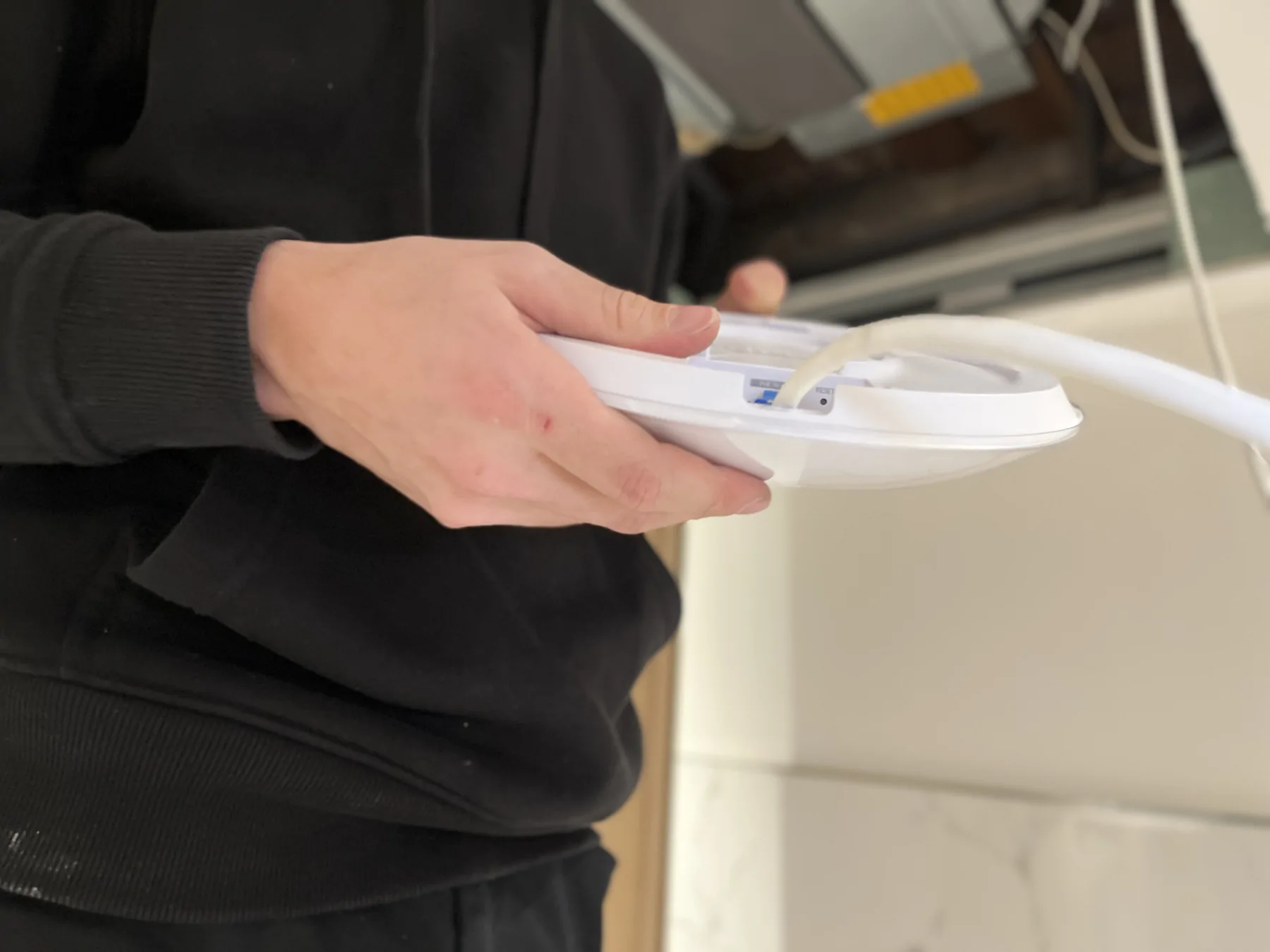
For television, reception, headend, distribution and screens may come into play. For Wi-Fi, the location and connections of access points must be taken into account with network administration. The technician must be able to identify the equipment present and their contacts. The choice to reuse an existing connection is confirmed after examining its characteristics and its condition.
Update customer information
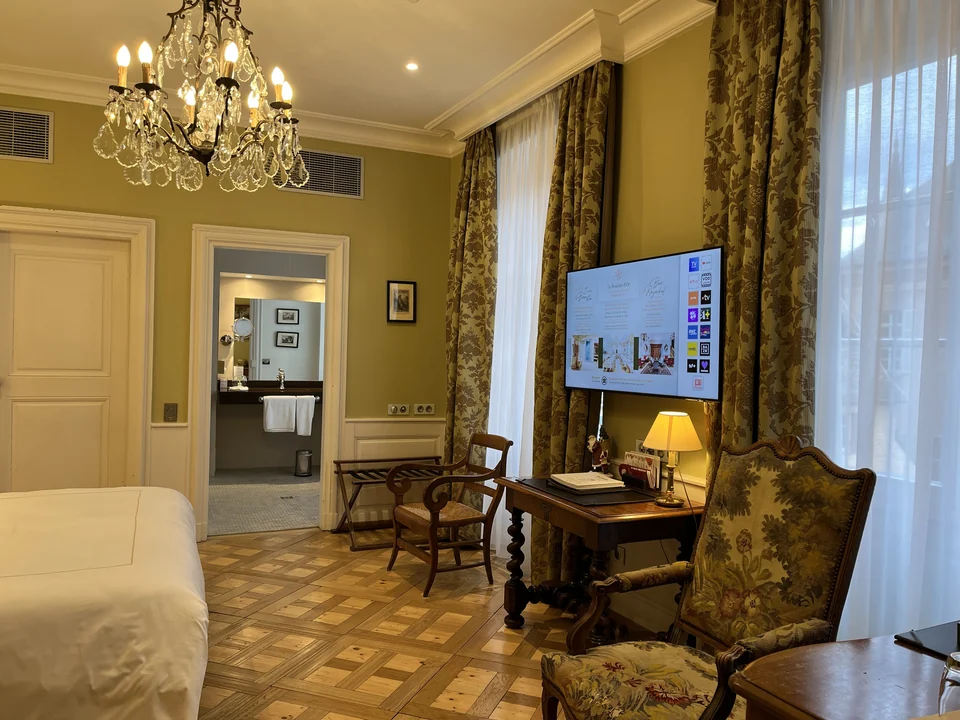
A change in network name or connection terms may require several updates. Identify the media used in the establishment: TV reception screen, room directory, room document or information in reception. Defining who can modify each one avoids conflicting information. If a QR code is planned, check its operation with the route actually offered to the client.
Organize an intervention compatible with the operation
Choose the niche with the establishment and specify the accessible rooms. In the event of a significant modification, define what will be verified before generalizing. Depending on the project, the team responsible for field installations and the team responsible for IT will have separate tasks. Alltech works on building equipment; Agedis provides additional IT and servers when the scope requires it.
Control from the user's point of view
After intervention, resume the expected functions from a room or space concerned. Also check that reception has useful information to respond to customers. Keeping the references and the report facilitates monitoring, without promising performance that has not been measured.
Organize the change right down to the information given to the customer
Change must be read from the point of view of the person welcomed. Where does she find the network name? What is the television showing? What does reception tell him? Responses must remain consistent when hardware or settings change. A technical correction can be successful while old support continues to direct the customer to information that has become inaccurate.
Before: raise the supports and attach the validations
Identify welcome information in the room, on TV sets, at reception and on printed or digital media used by the establishment. Identify the person who prepares the content and the person who validates it. For each proposed TV function, confirm the compatibility of the equipment and solutions in place before programming a modification. The items to be updated must be ready at the same time as the change in service.
During: test a representative situation
Choose a room or space whose equipment and connections are known. Resume the customer's journey with reception: identify the available directions, access the expected service and check what the screen shows. If other configurations exist, provide the corresponding controls. The success of a test should not be extended to all chambers without verification.
After: reconcile the technical result and the return on use
The follow-up must specify the modified media, the functions tried and the corrections still awaited. In a 2026 exchange, a Wi-Fi change leads to the information being taken from the televisions and a QR code being prepared for reception. Reception hours are also corrected. The customer then confirms that the elements concerned are correct; this confirmation does not automatically close other content requests processed in subsequent exchanges.
| Point to repeat | Control issue |
|---|---|
| Login information | Do the media concerned correspond to the version used by the establishment? |
| Screens and controls | Have the planned functions been tried on the configurations concerned? |
| Reception | Does the team have the information to transmit and the follow-up contact person? |
| Open points | Are corrections not yet validated identified with their next action? |
The Collective TV, the Wi-Fi of the establishment andhome display In this way, they share the same need for coordination, while keeping controls specific to each function. Find it hotel monitoring that documents these exchanges over time.
Bring the terminals and TVs closer together.